
Learn Pedra
Ten short videos that cover what most people need. Pick the one that matches what you are trying to make — a photo, a video, a 360º tour or a floor plan — and do it yourself in Pedra as you watch.
Start here
What a finished listing actually contains, and how everything below fits together.
 6:57
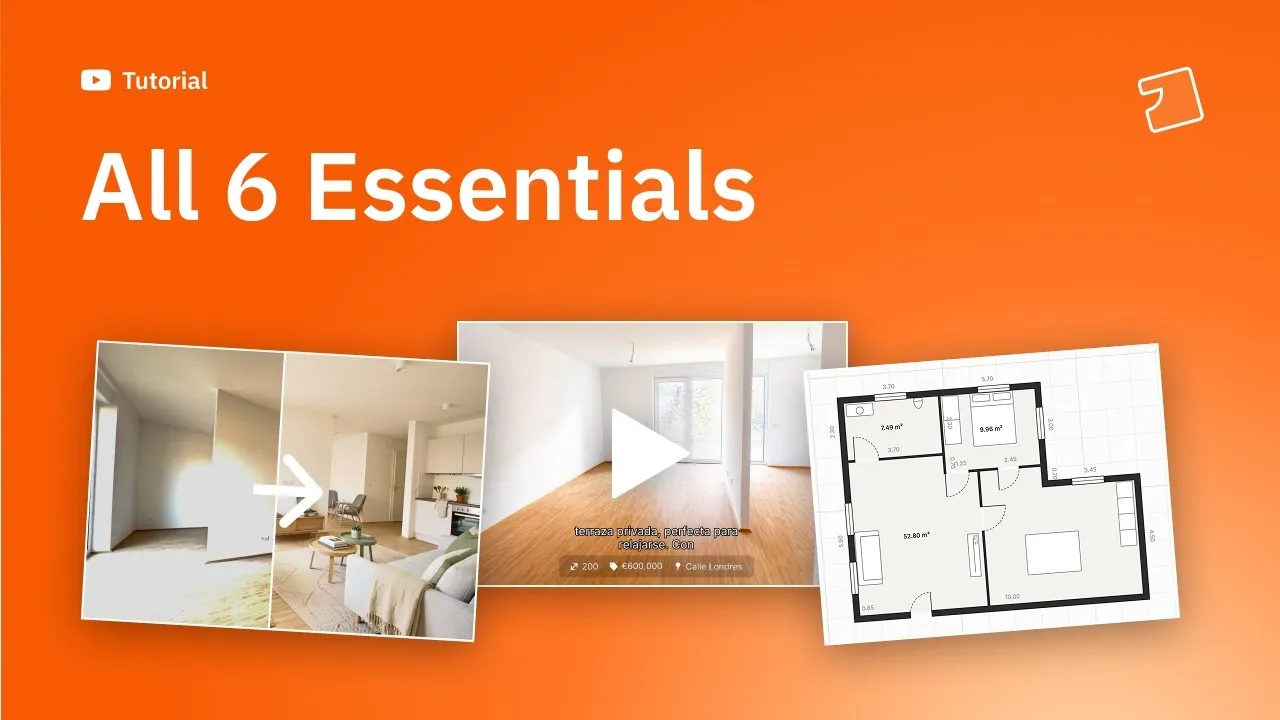
6:57Market a listing like a professional
The six pieces a complete listing needs — photos, video, tour, floor plan, social posts and description — and the order to build them in.
Photos
Stage an empty room, replace dated furniture, or place the exact pieces you want.
 3:01
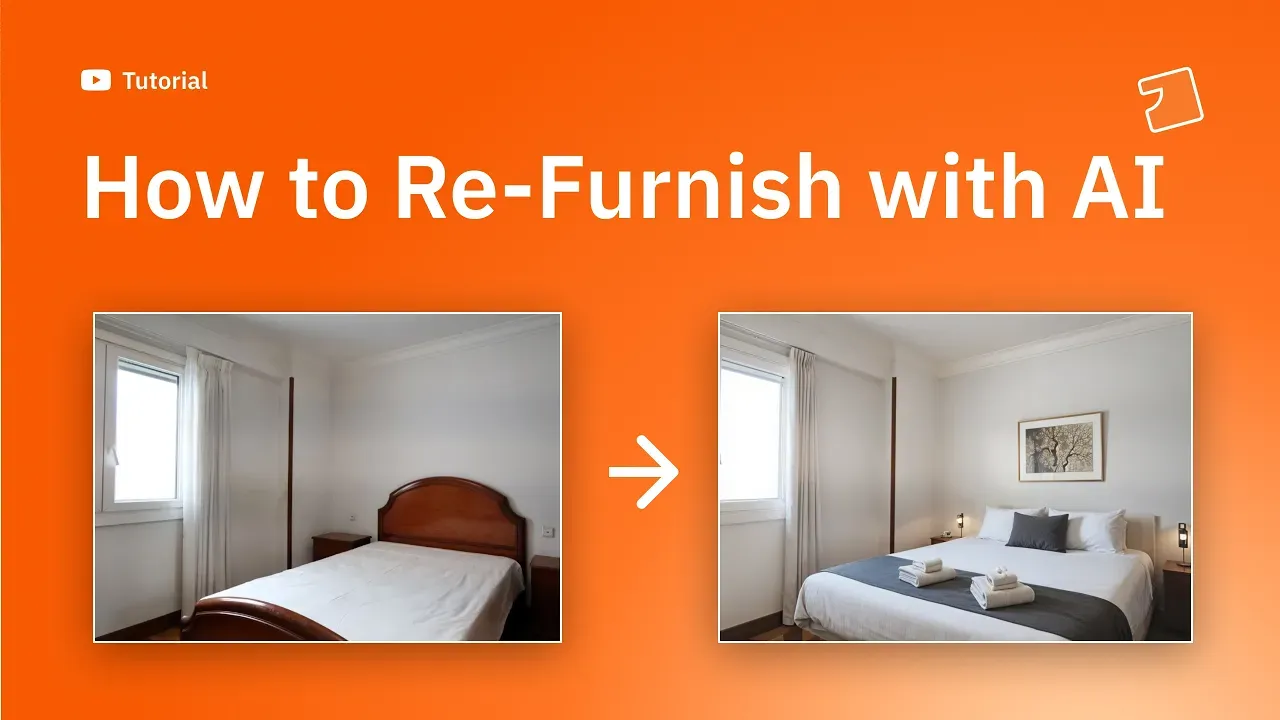
3:01Re-furnish a room with AI
Replace dated furniture with something current, before and after, without moving anything in the room.
 1:42
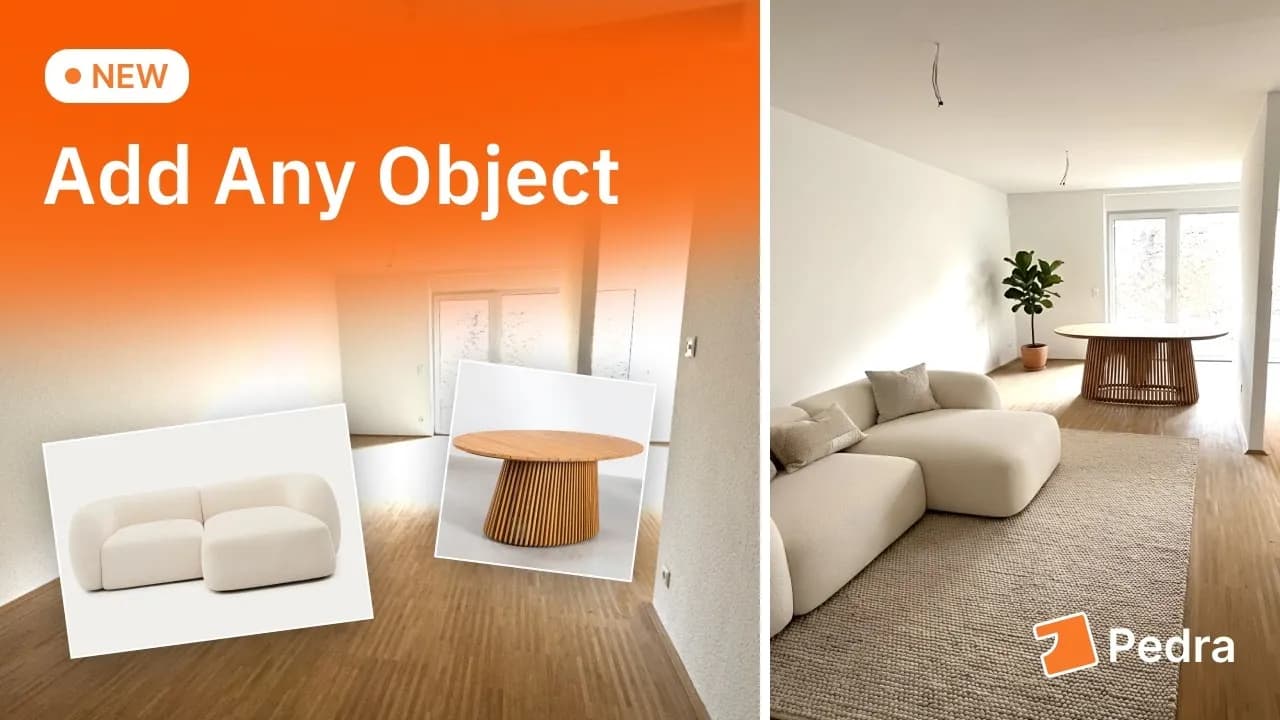
1:42Add your own furniture to a photo
Use reference images to place a specific sofa, table or piece you have chosen, instead of whatever the AI picks.
Video
Start with the 90-second version, then go deeper — or film the property on your phone.
 1:16
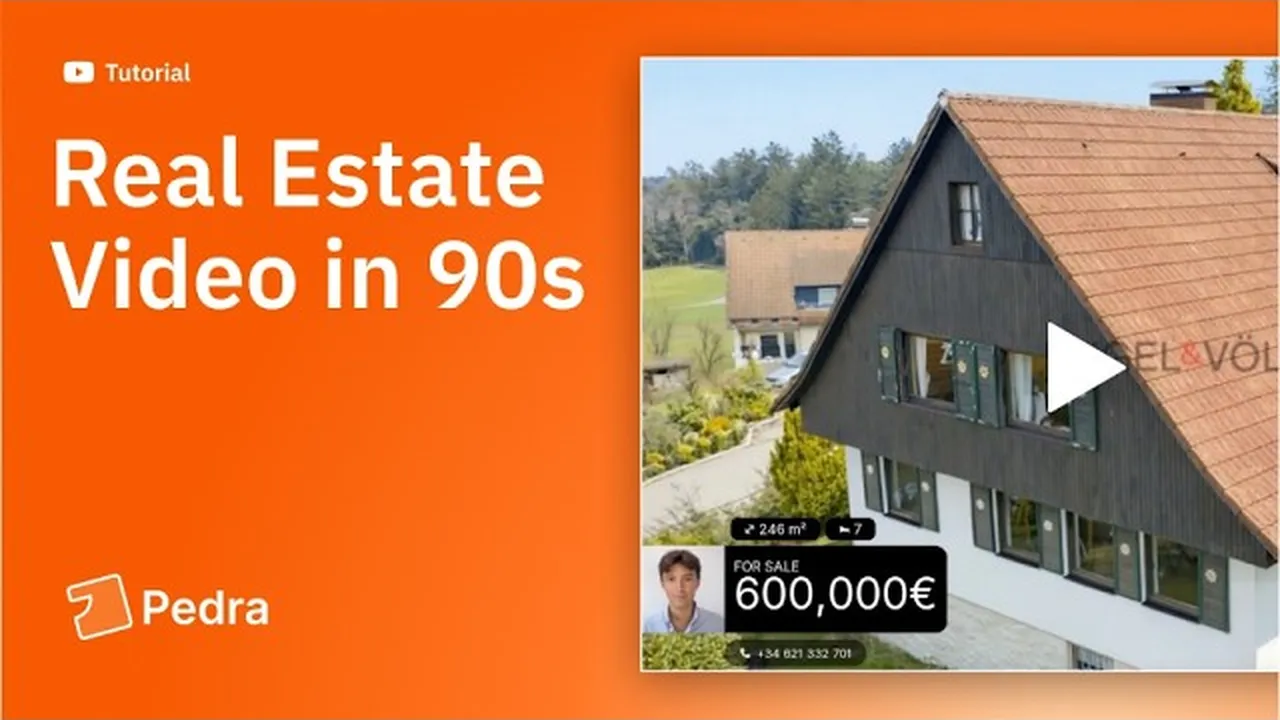
1:16Make your first video in 90 seconds
Upload your photos, paste the listing description, and get a finished video back. The quickest way to see what Pedra does.
 7:04
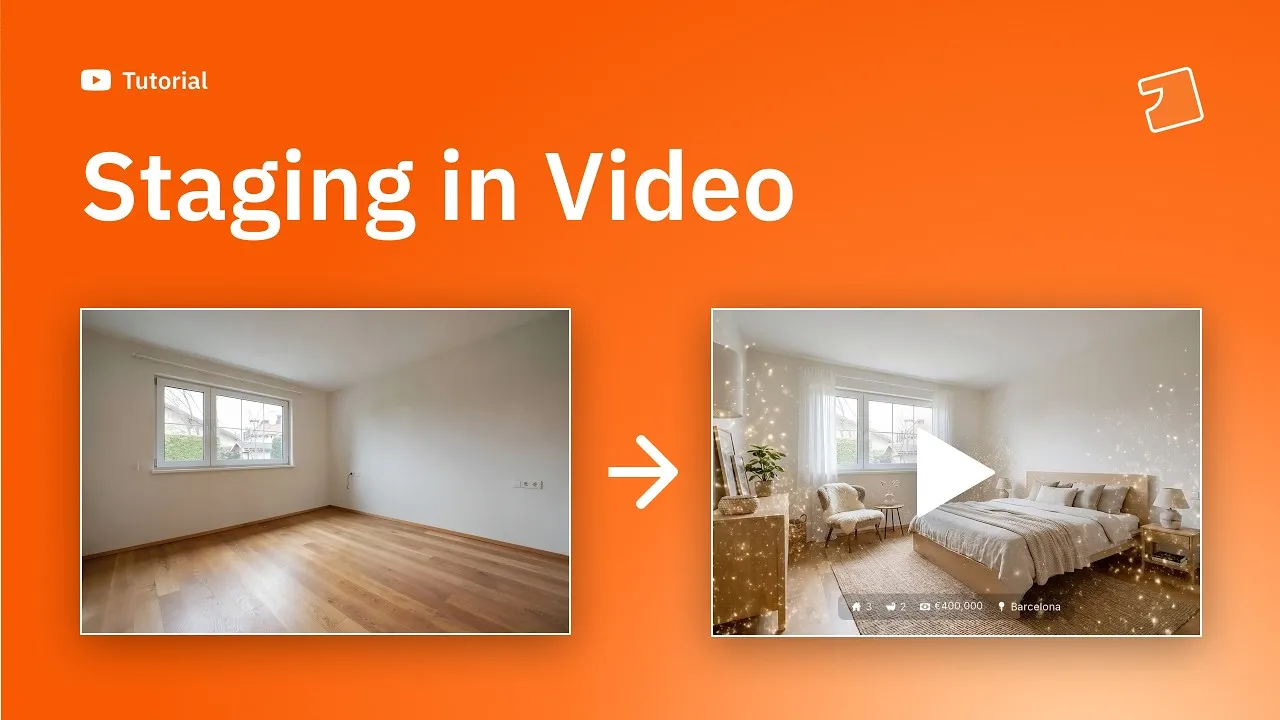
7:04Stage a property inside a video
Apply virtual staging to the photos in a video and use transformation effects — magic, people and sky — to hold attention.
 3:37
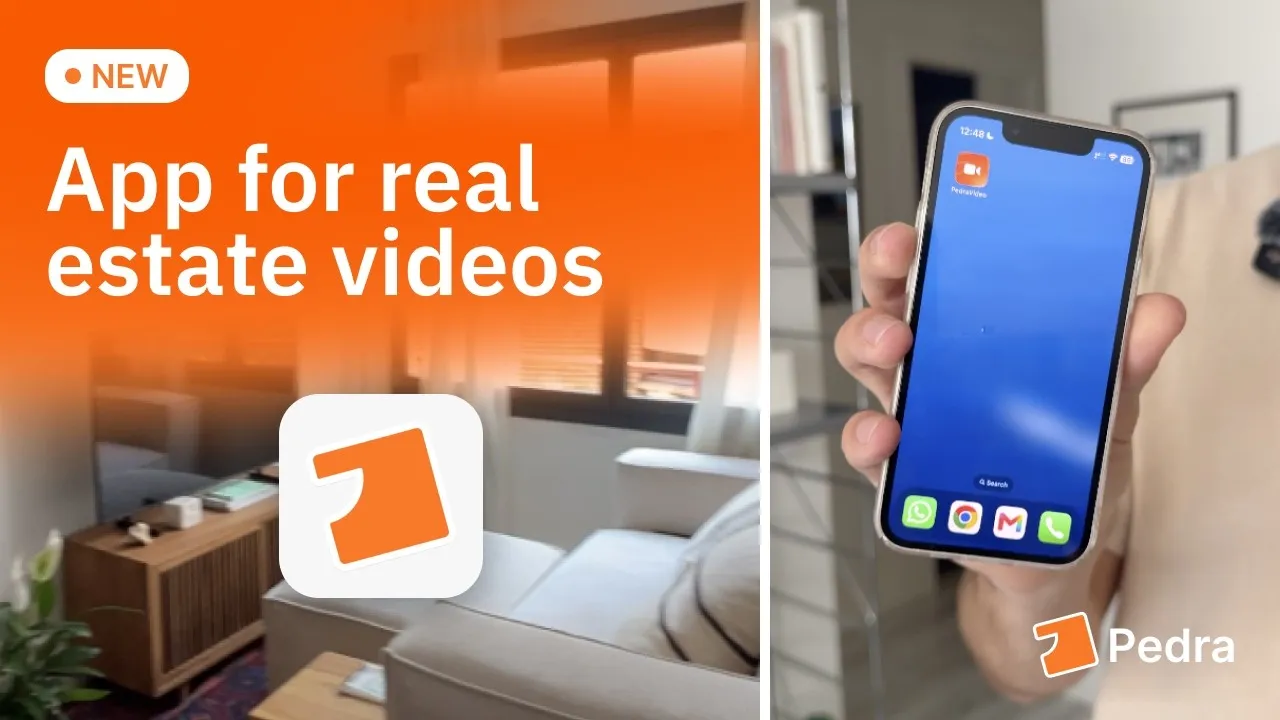
3:37Film a property on your phone
Record each room with the Pedra app and it edits the video for you: music, transitions, property details and your branding.
360º virtual tours
Build a tour from 360 photos, then use it for more than just the tour.
 3:07
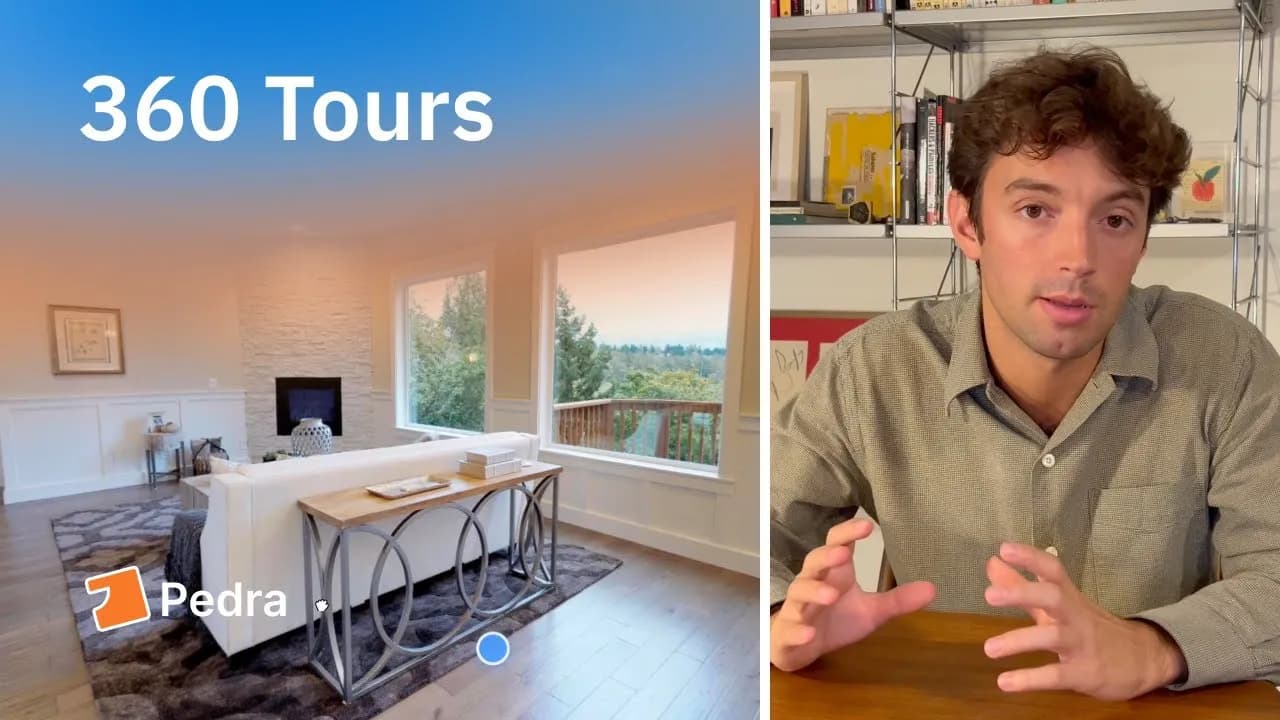
3:07Build a 360º tour from your photos
Upload your 360 photos, connect the rooms with hotspots — automatically or by hand — then publish and share the link.
 4:55
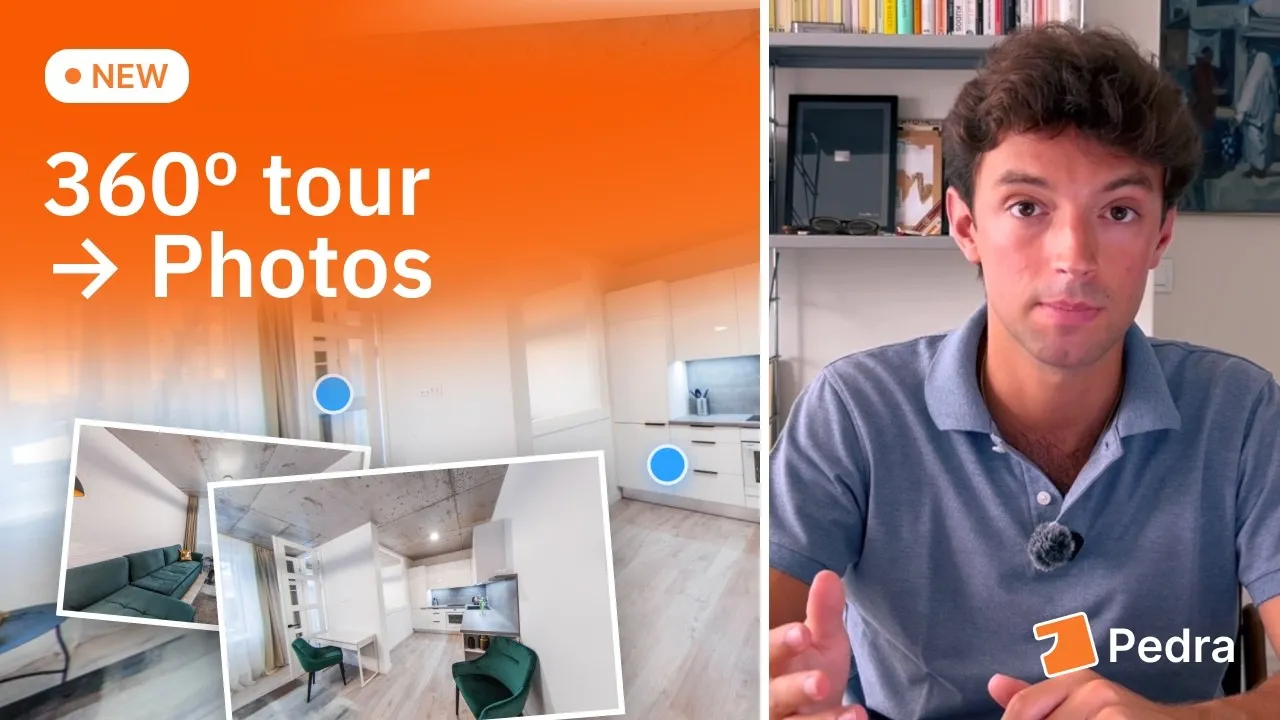
4:55Pull listing photos out of a tour
A 360 tour already captured every room at full resolution. Frame the shots you need from it instead of shooting the property twice.
 2:02
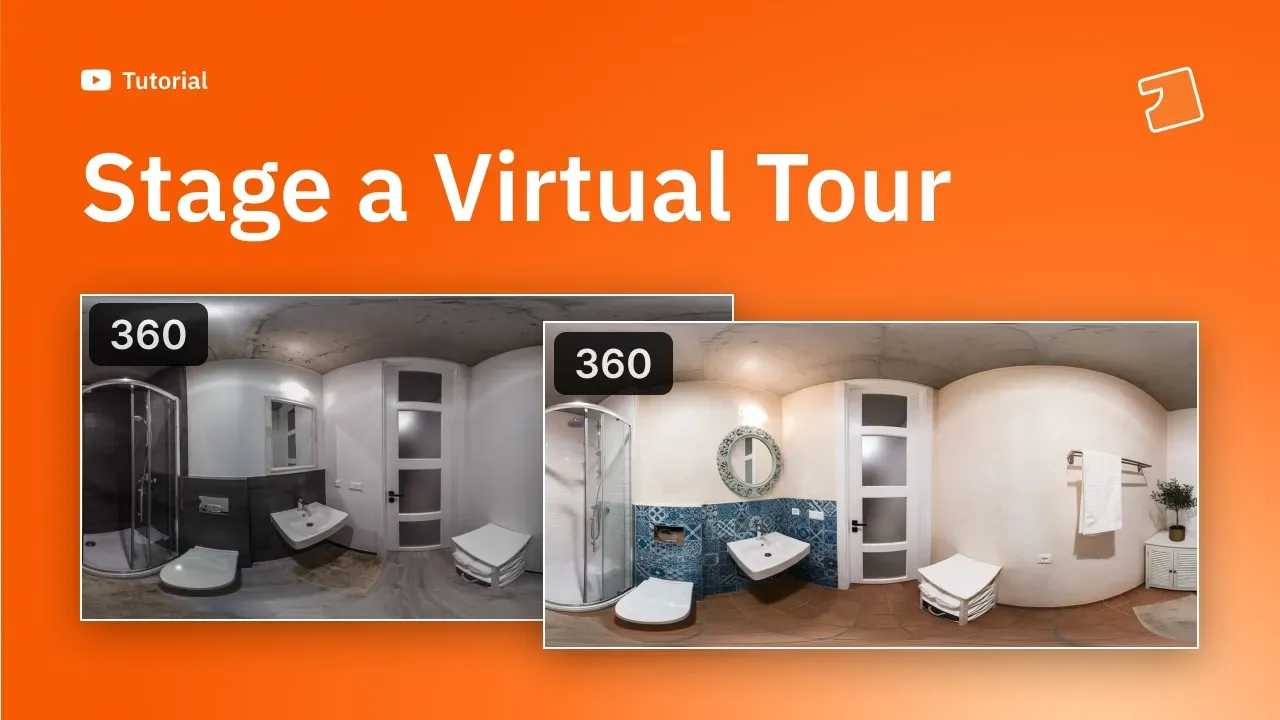
2:02Show a renovated version of a tour
Renovate the tour's photos with AI so buyers can switch between how the property is now and how it could look.
Floor plans
Three routes to a clean floor plan, none of them needing design software.
 4:09
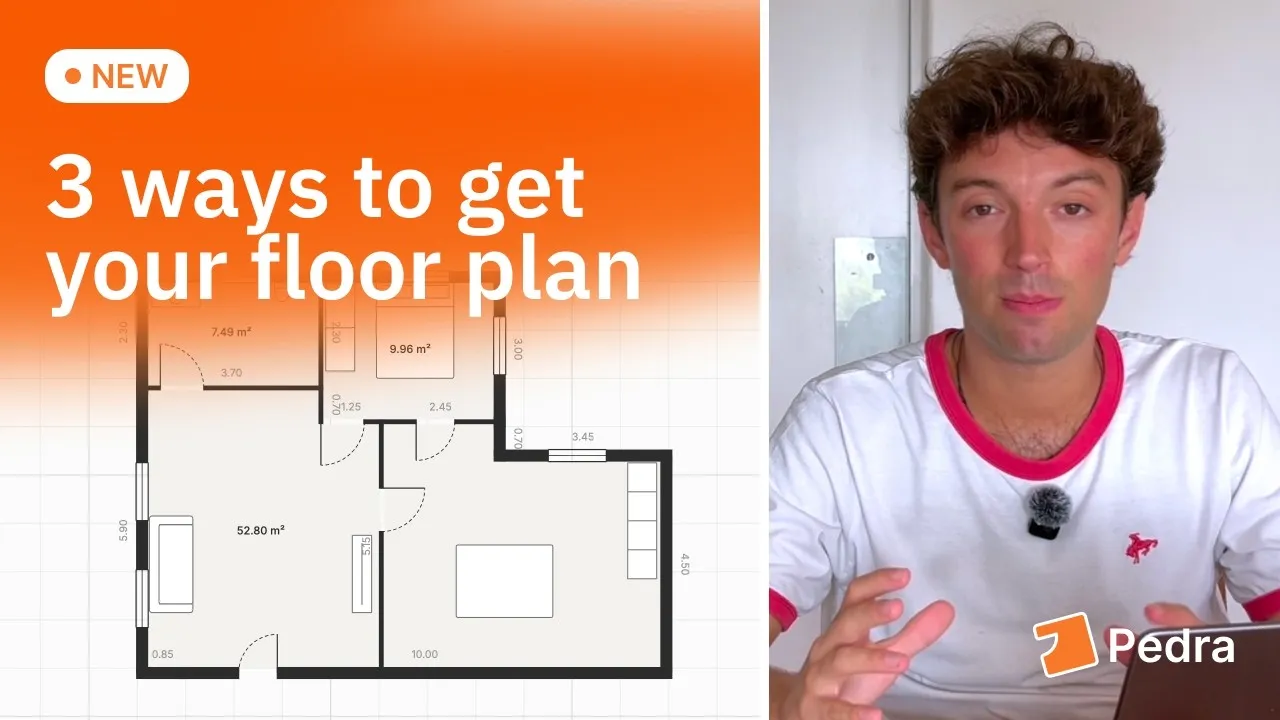
4:09Three ways to get a floor plan
From a sketch, from a virtual tour, or drawn from scratch. Each one takes about five minutes and needs no drafting software.
Still stuck?
If your question is not covered here, there are three ways to get an answer.