
 Angle 1


“I tested several tools, but Pedra was the best for me.”








Why agents use it
One room, one story
Why it matters
Staging photo by photo, or the whole room at once
Single-photo staging
- A different room in every photoEach photo is staged on its own, so the grey sofa in photo 1 is a beige sectional in photo 2.
- Buyers noticeA listing where the furniture changes between shots looks fake, and buyers stop trusting the rest.
- Endless retriesYou regenerate again and again, paying every time, hoping two angles match.
- You publish one angle onlySo the listing shows less of the room than it could.
Multi-angle staging with Pedra
- The same furniture in every angleStage one photo, and the other angles copy its pieces, colours and layout.
- In the same placesThe sofa stays against the same wall and the table under the same lamp.
- The walls stay realWindows, doors, floors and ceilings are untouched in every angle.
- Show the whole roomPublish every angle you shot, and the listing reads as one real home.
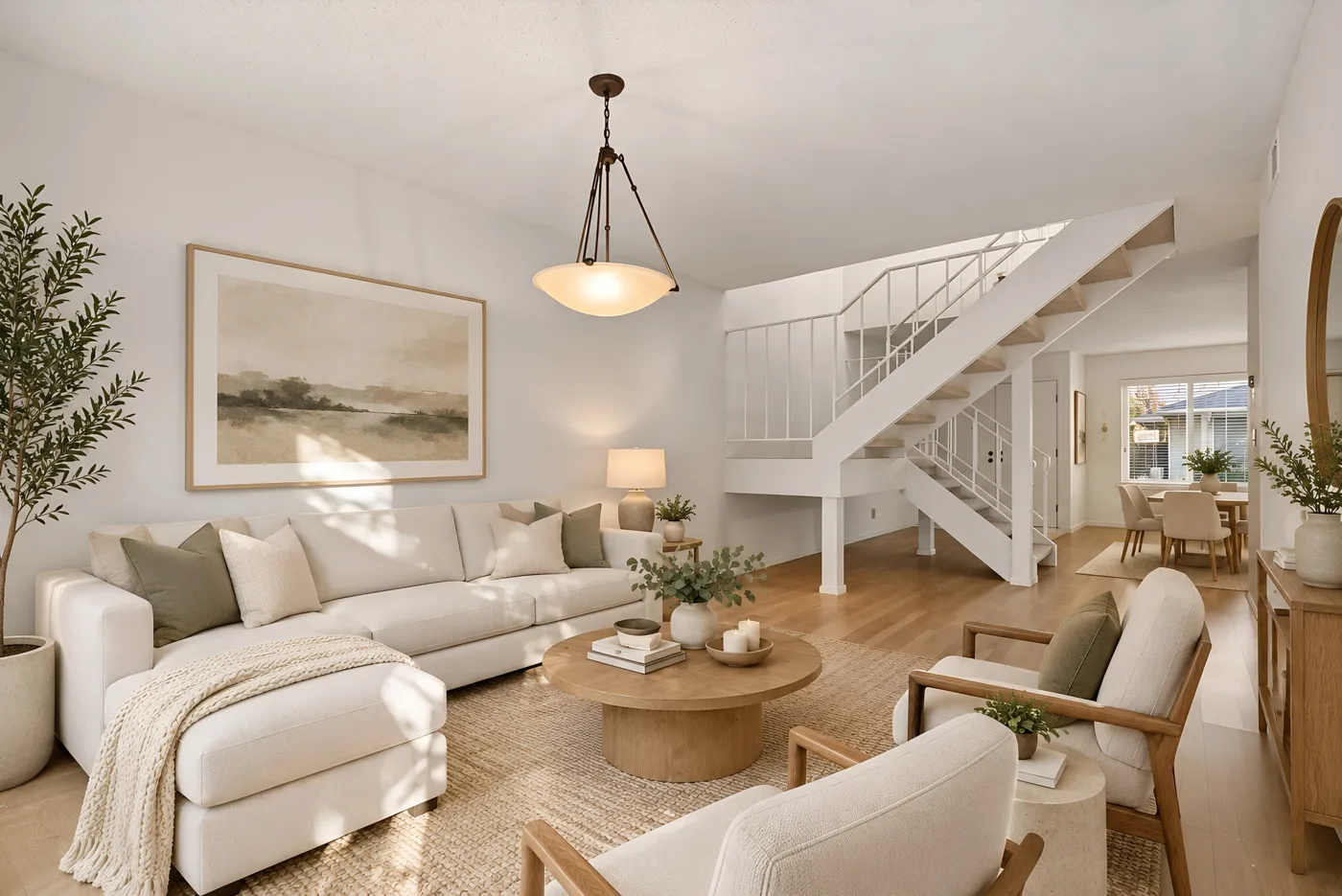
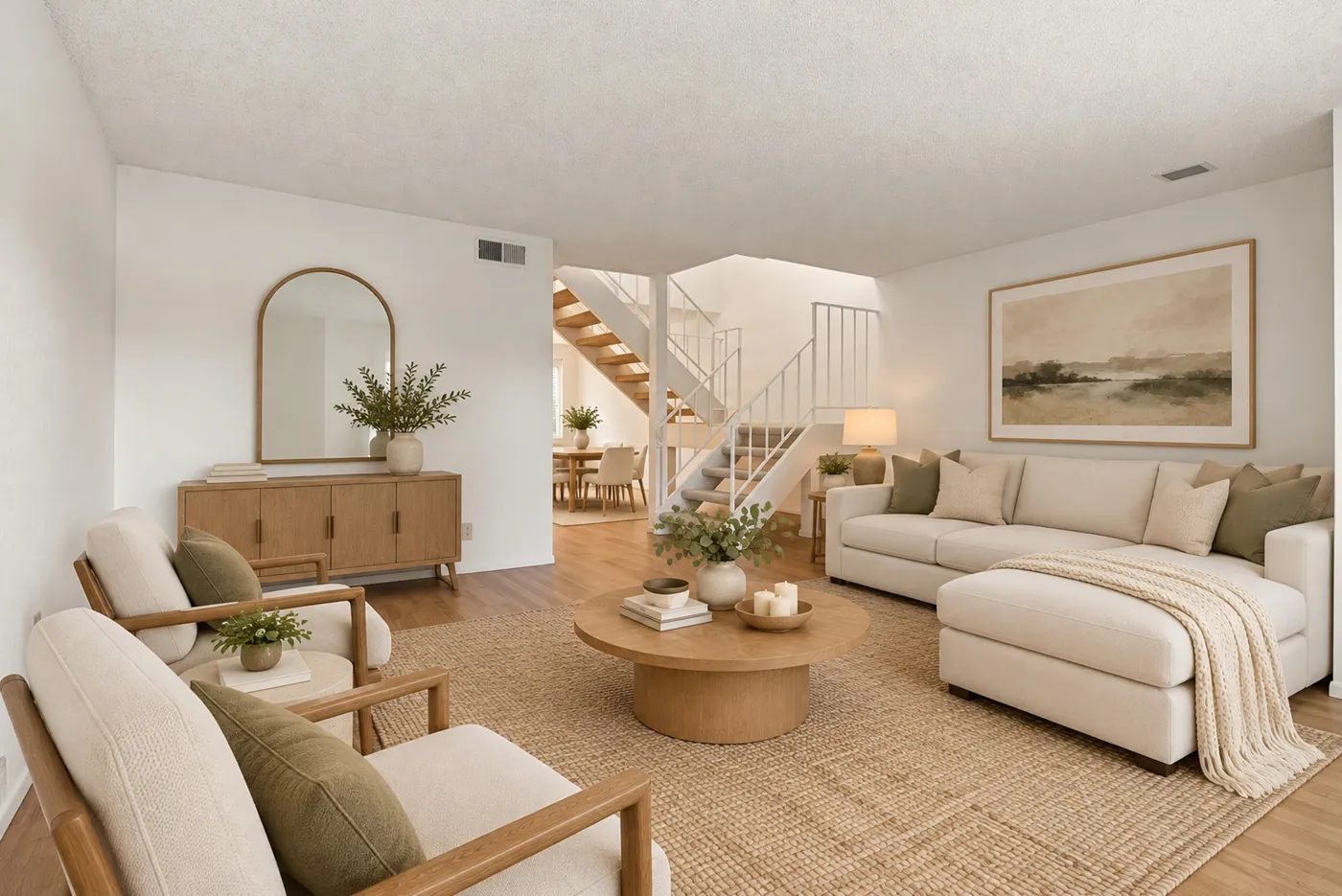
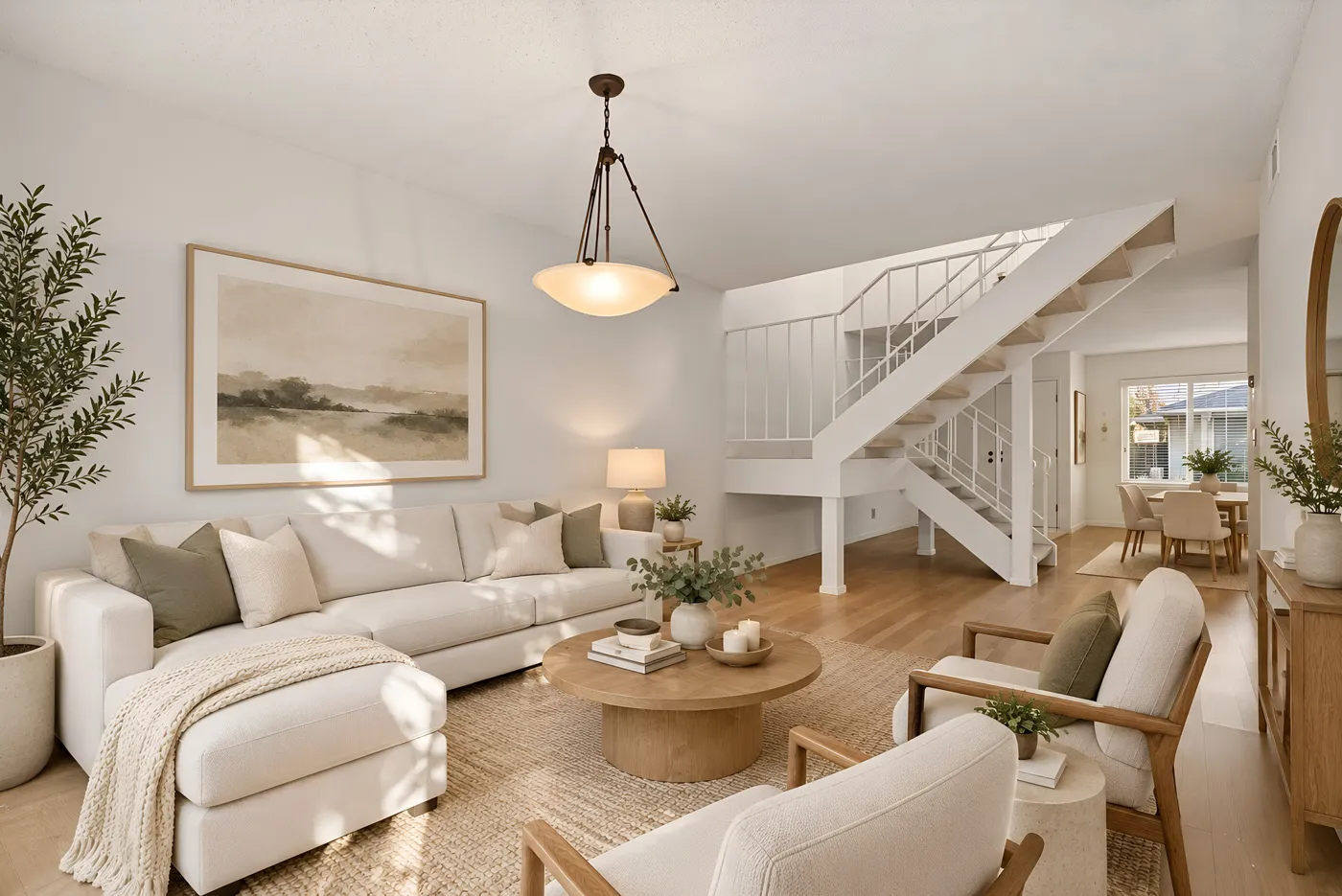
One living room, three angles, one set of furniture
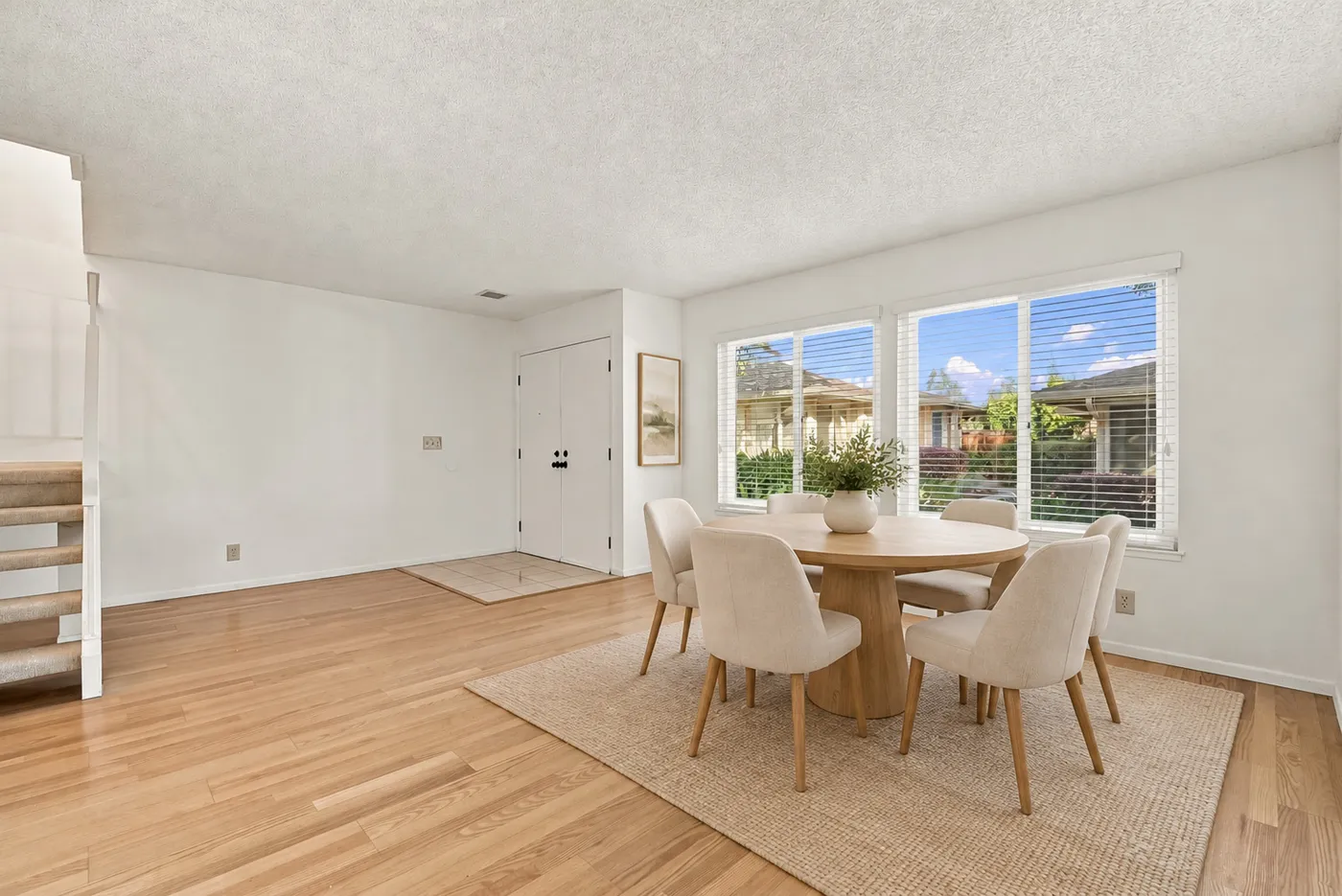
A real listing photographed from three corners and staged in Scandinavian style. The sofa, the round coffee table, the armchair and the rug are the same pieces in every shot, placed where they belong from each camera position.
- Stage the first angle in any style
- Every other angle gets the same pieces
- Download the whole set together
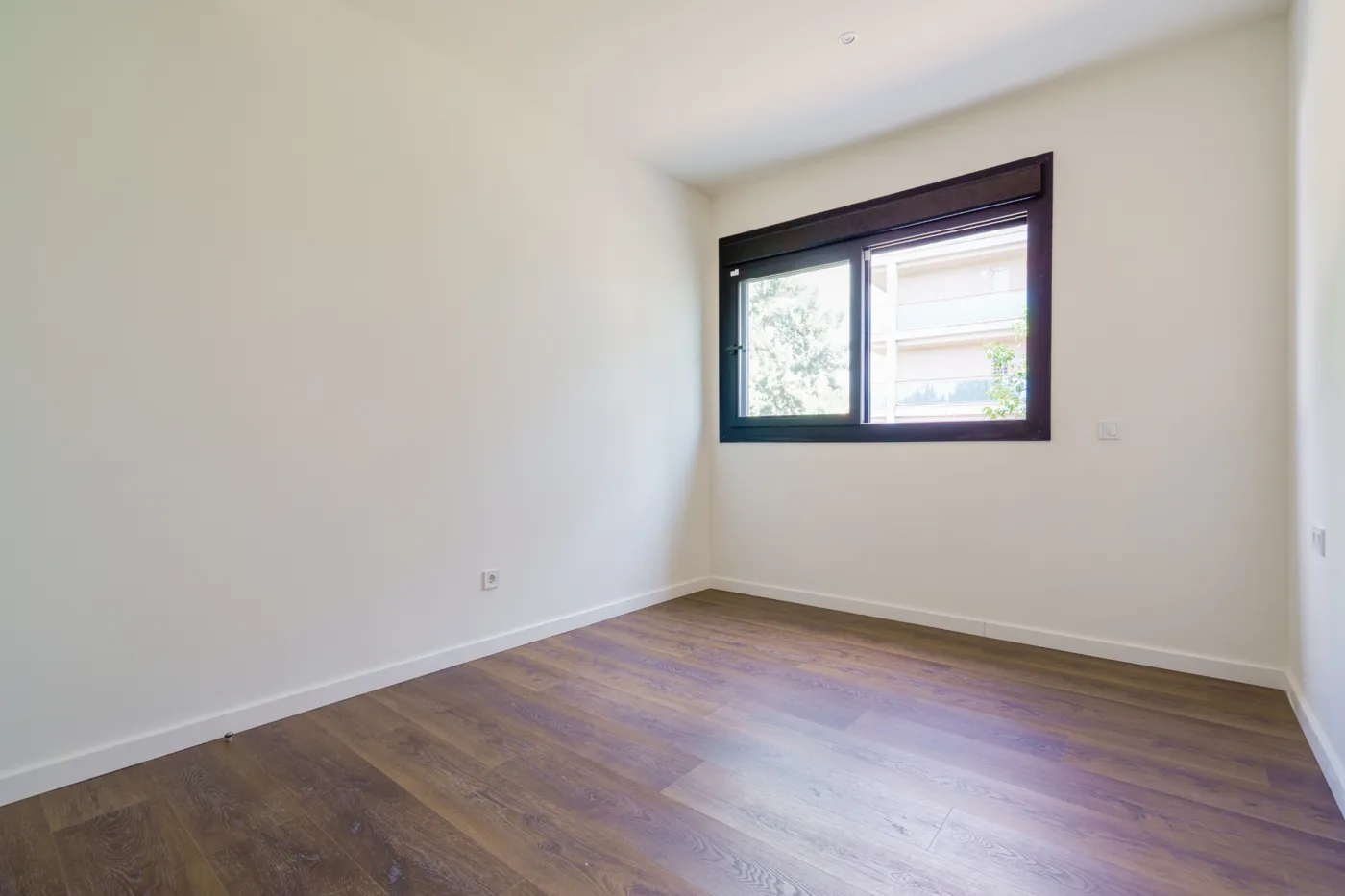
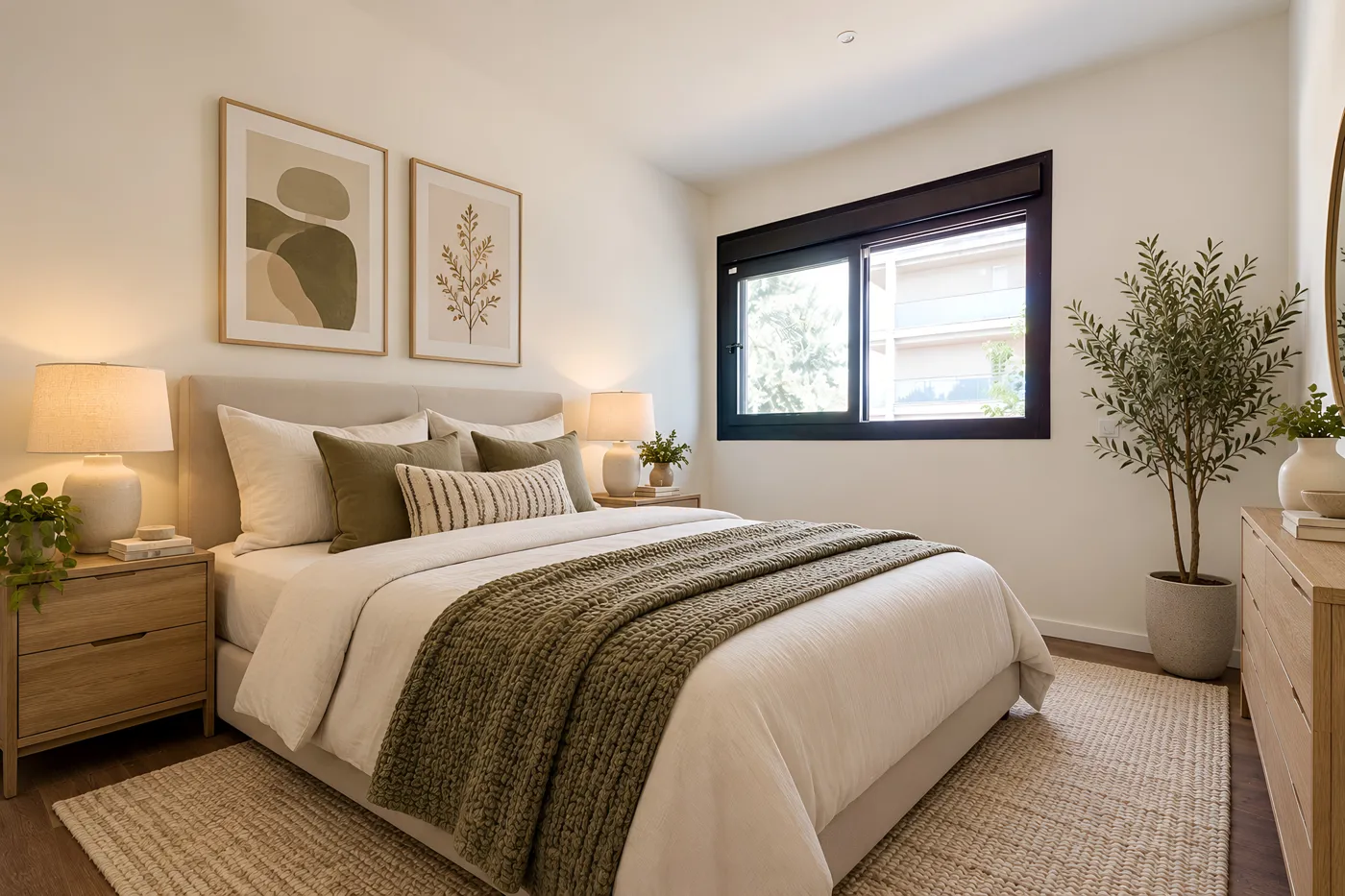
The same bed from both corners
Shot from the door and from the far wall, the bedroom keeps its bed, its olive throw, its bedside table and its art. That is what a buyer expects when they walk in.
- Furniture that matches the room's scale
- Lighting that follows each photo
- Original walls, floor and windows kept
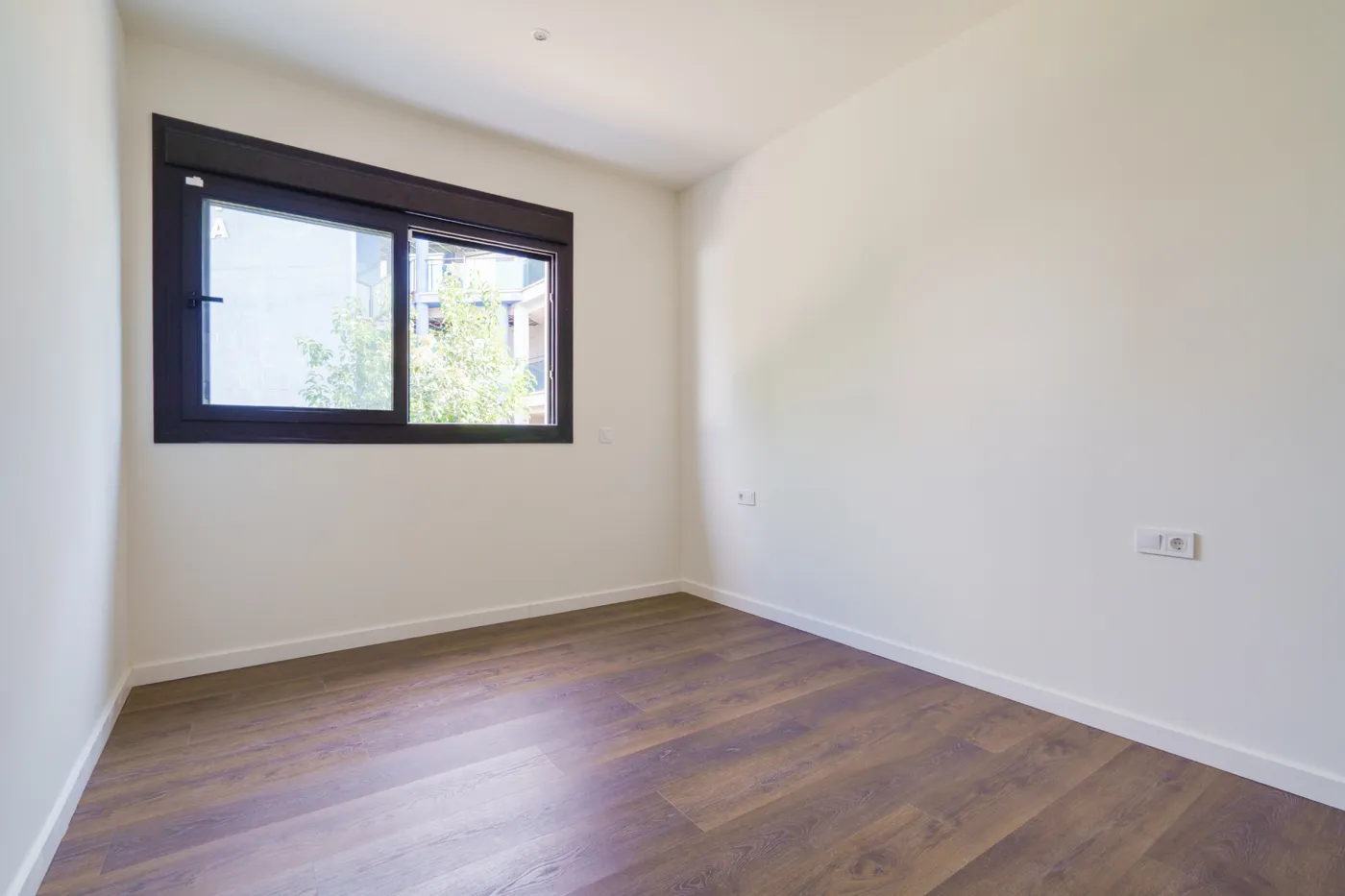
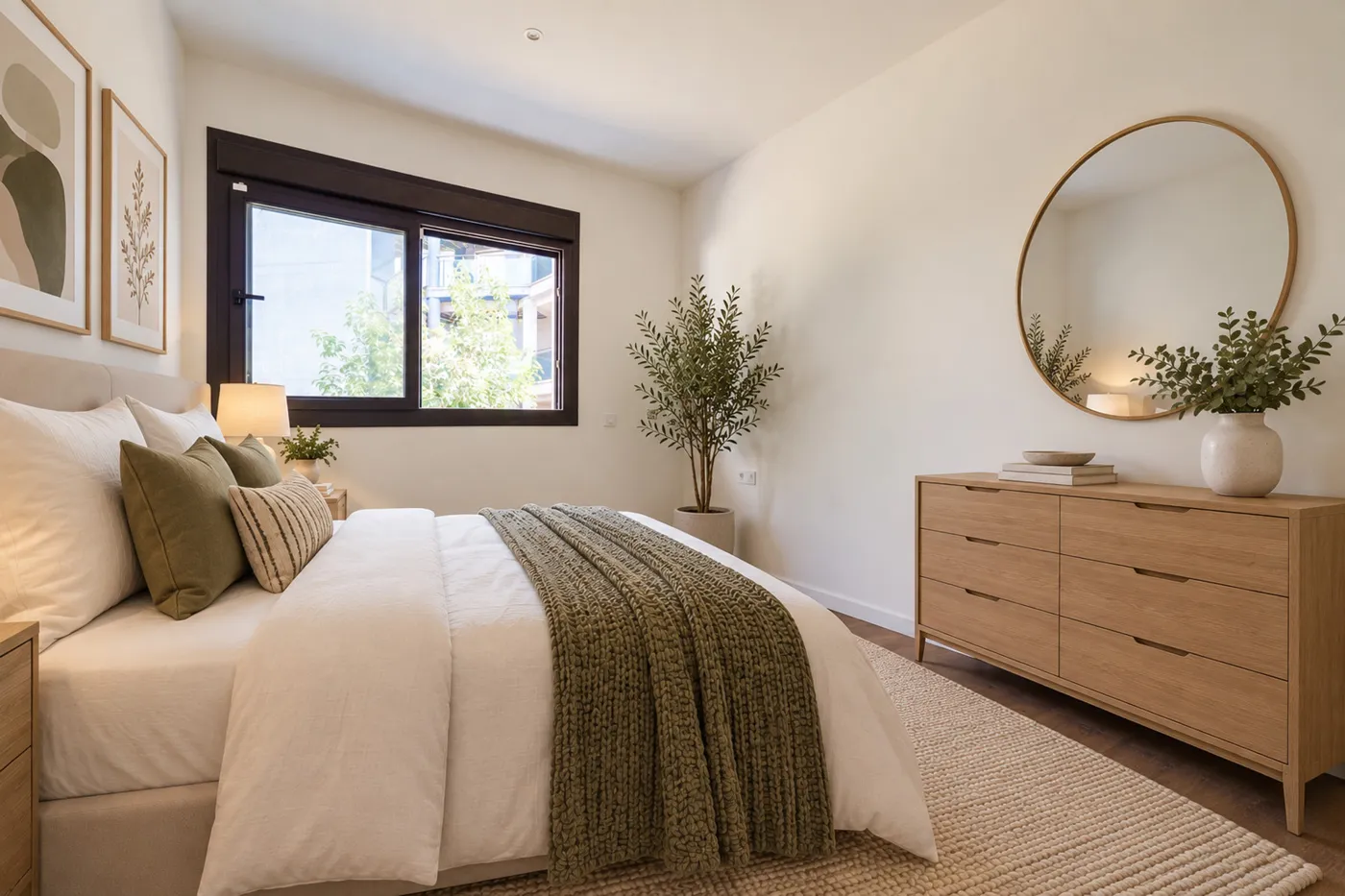
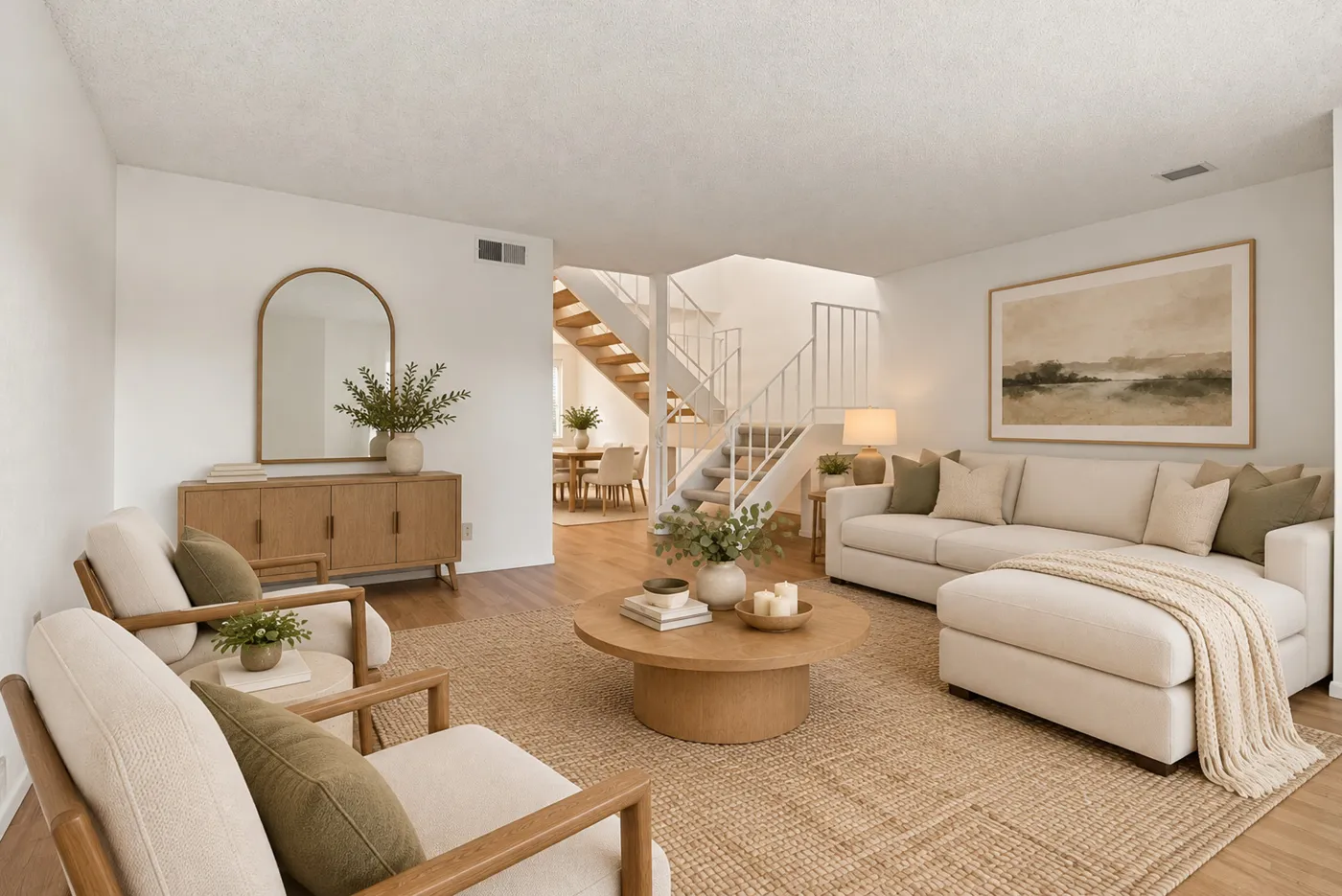
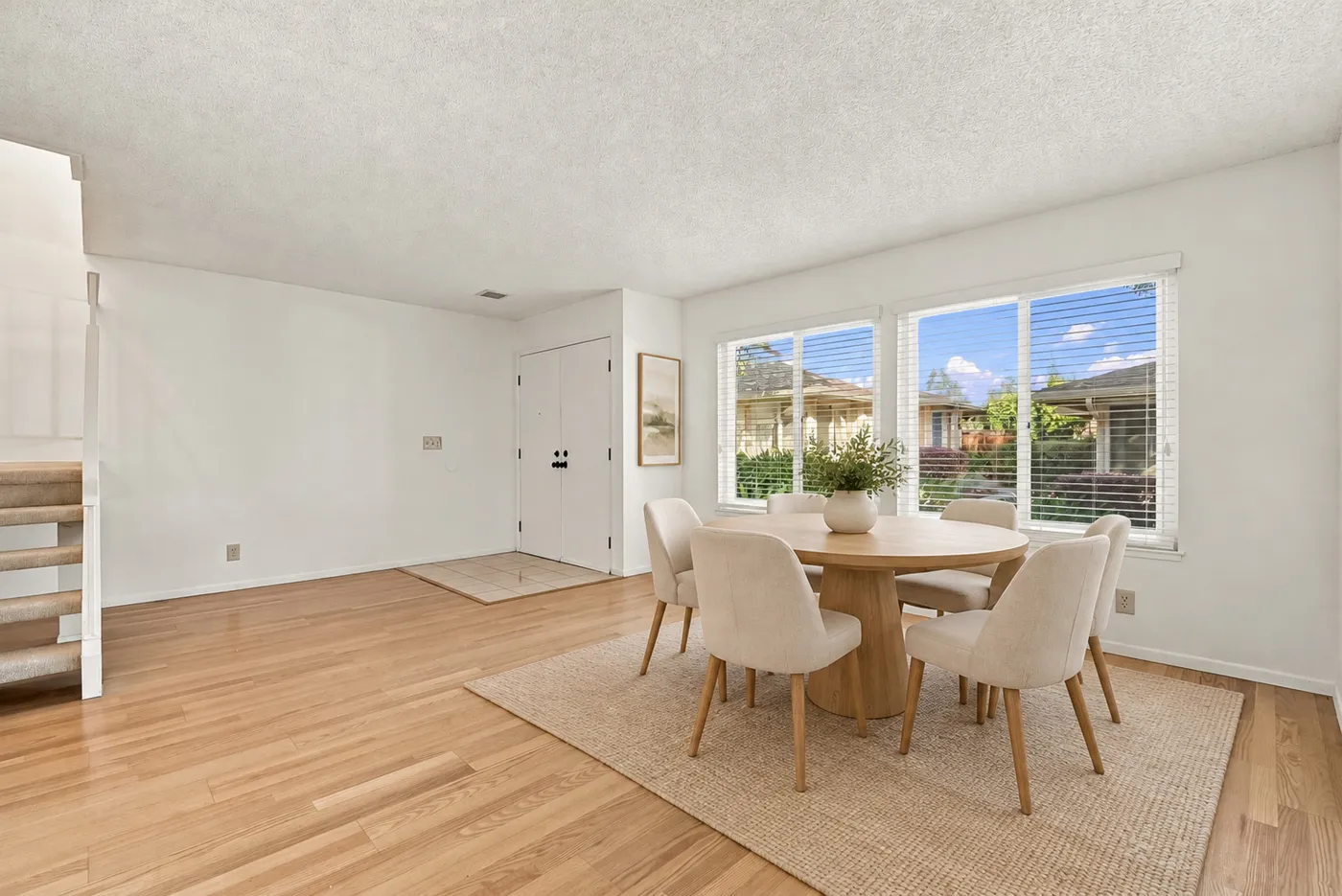
Open-plan rooms stay one room
In an open living area every photo shows part of the same space. Pedra keeps the same sofa, table and palette across all of them, so the listing doesn't look like two different flats.
- Works on open-plan and through-rooms
- Same palette and style in every shot
- Change the style once, re-run every angle
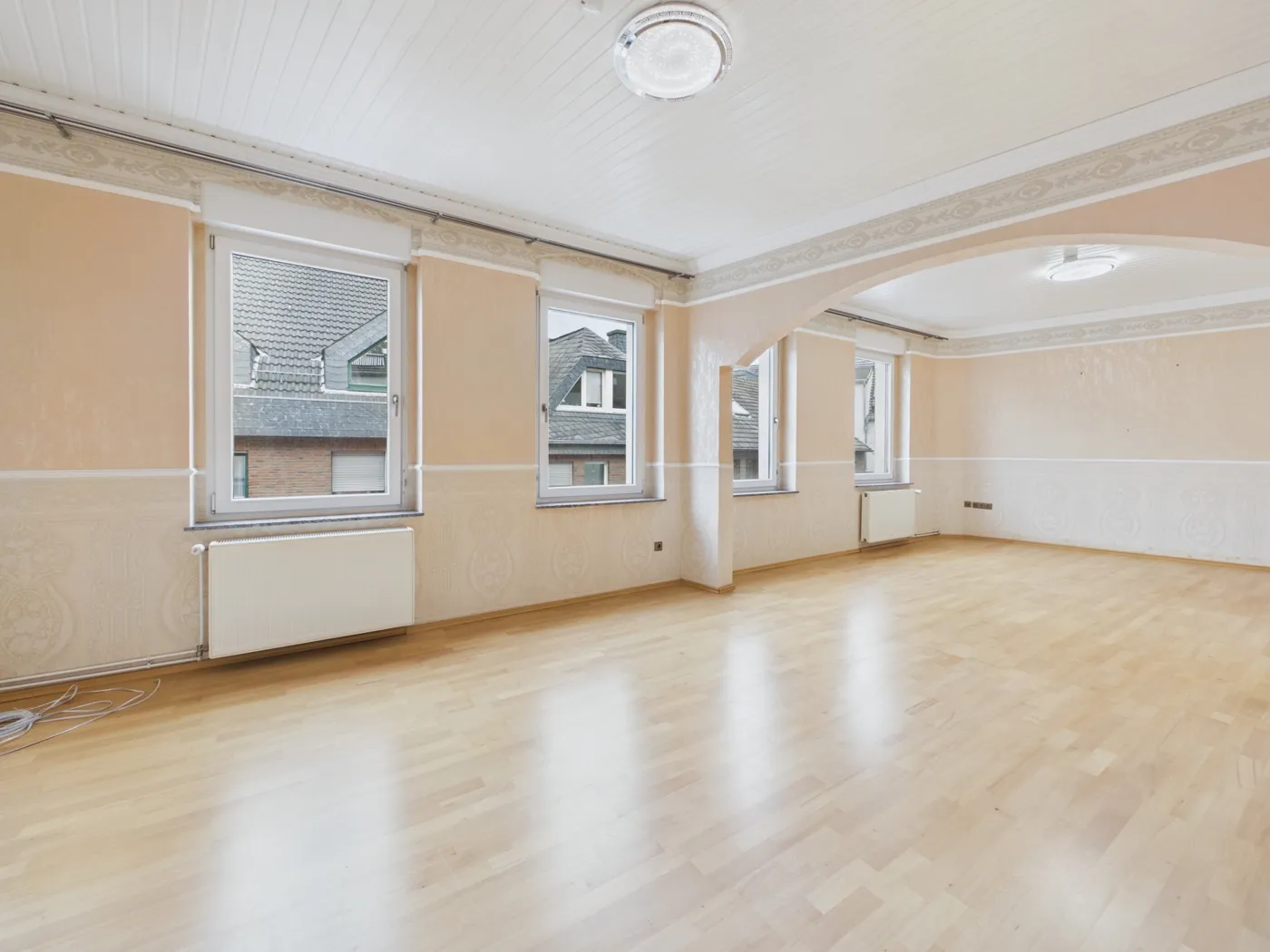
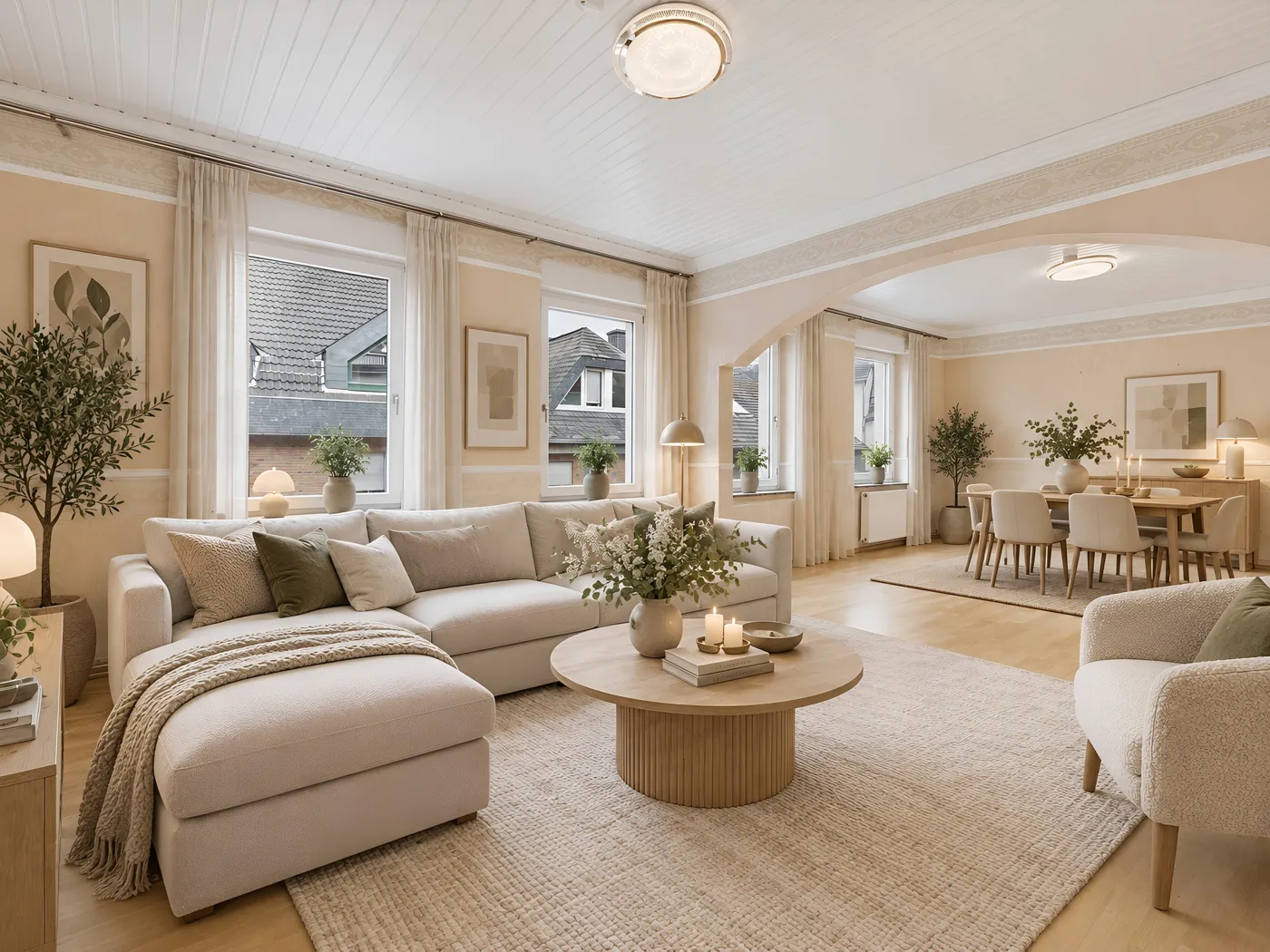
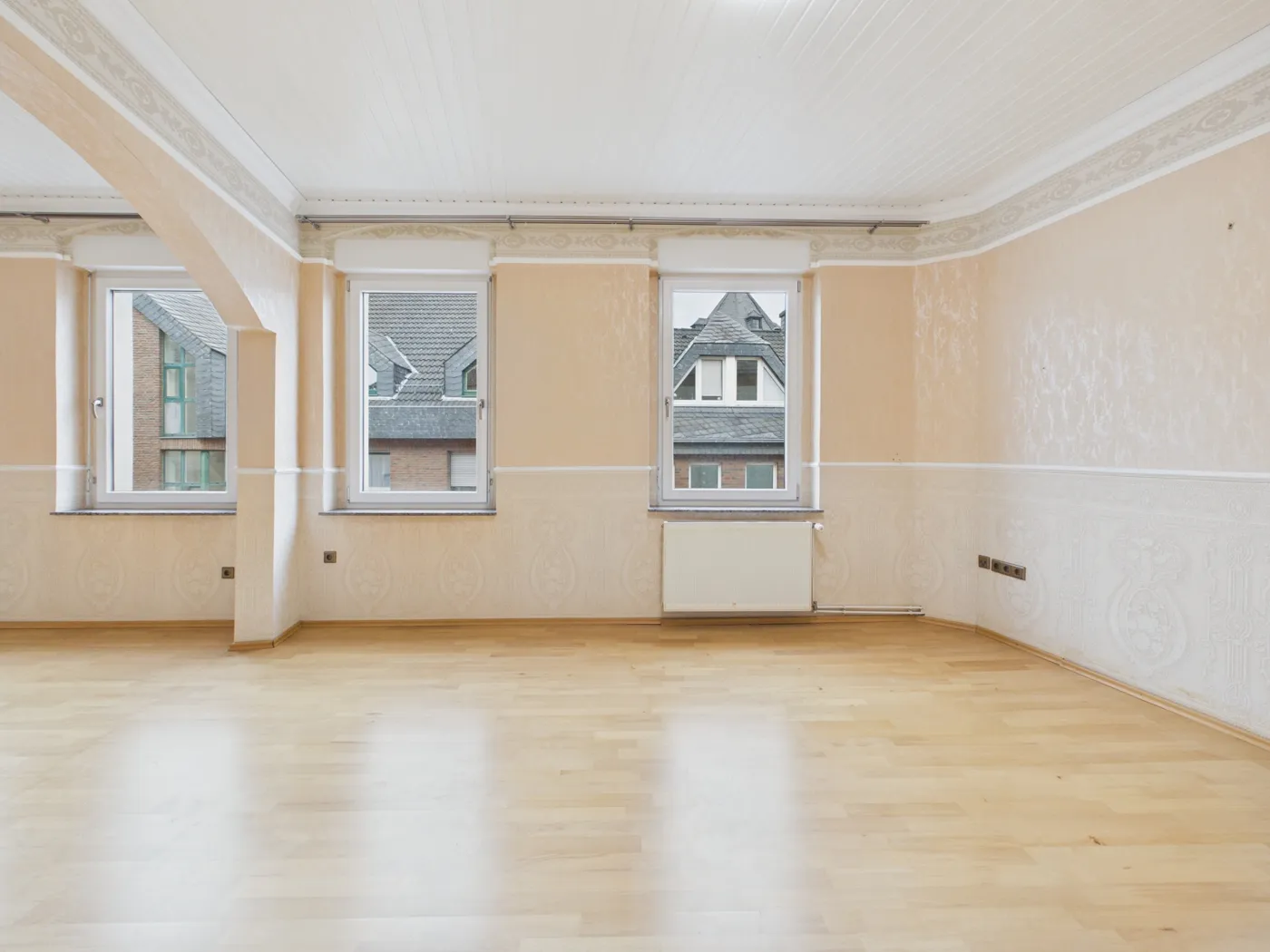
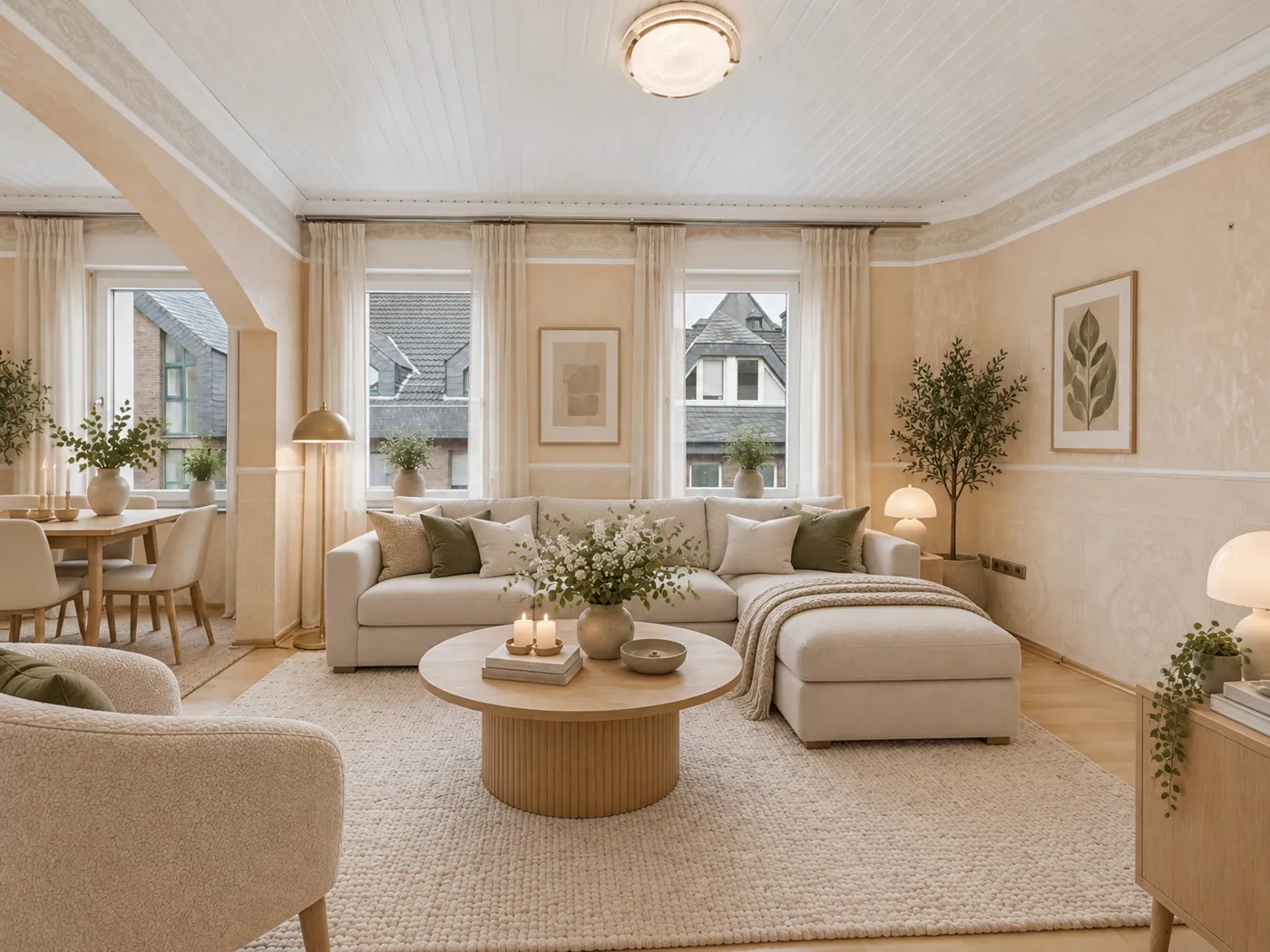
Pedra spots which photos show the same room
Upload the whole listing. When you stage one photo, Pedra checks the others and offers "Another angle of this room?" on the photos that show the same space, judged by what can't move: windows, doors, wardrobes and the ceiling.
- No sorting photos by hand
- Only offered on photos of the same room
- Or pick the reference photo yourself
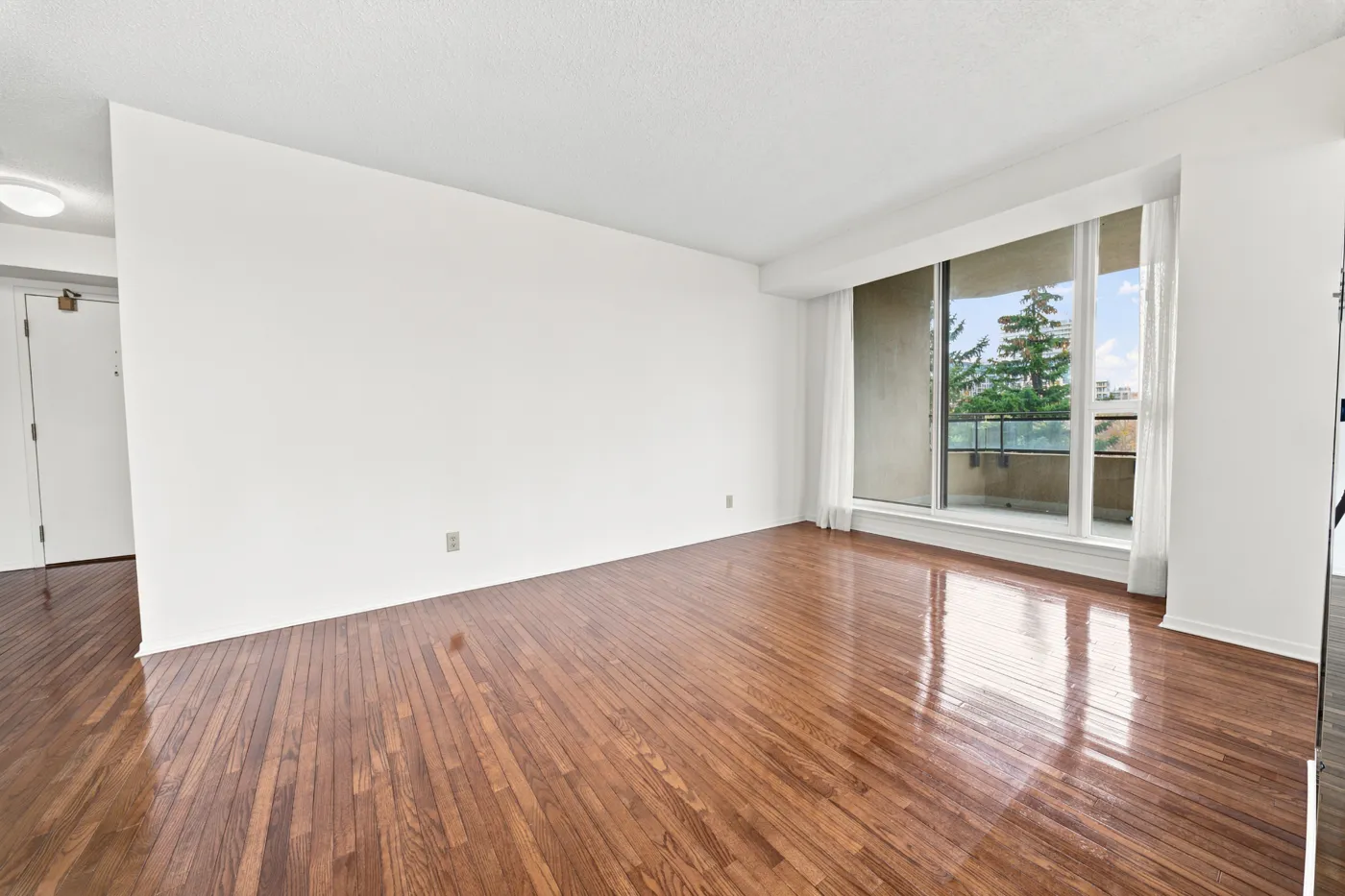
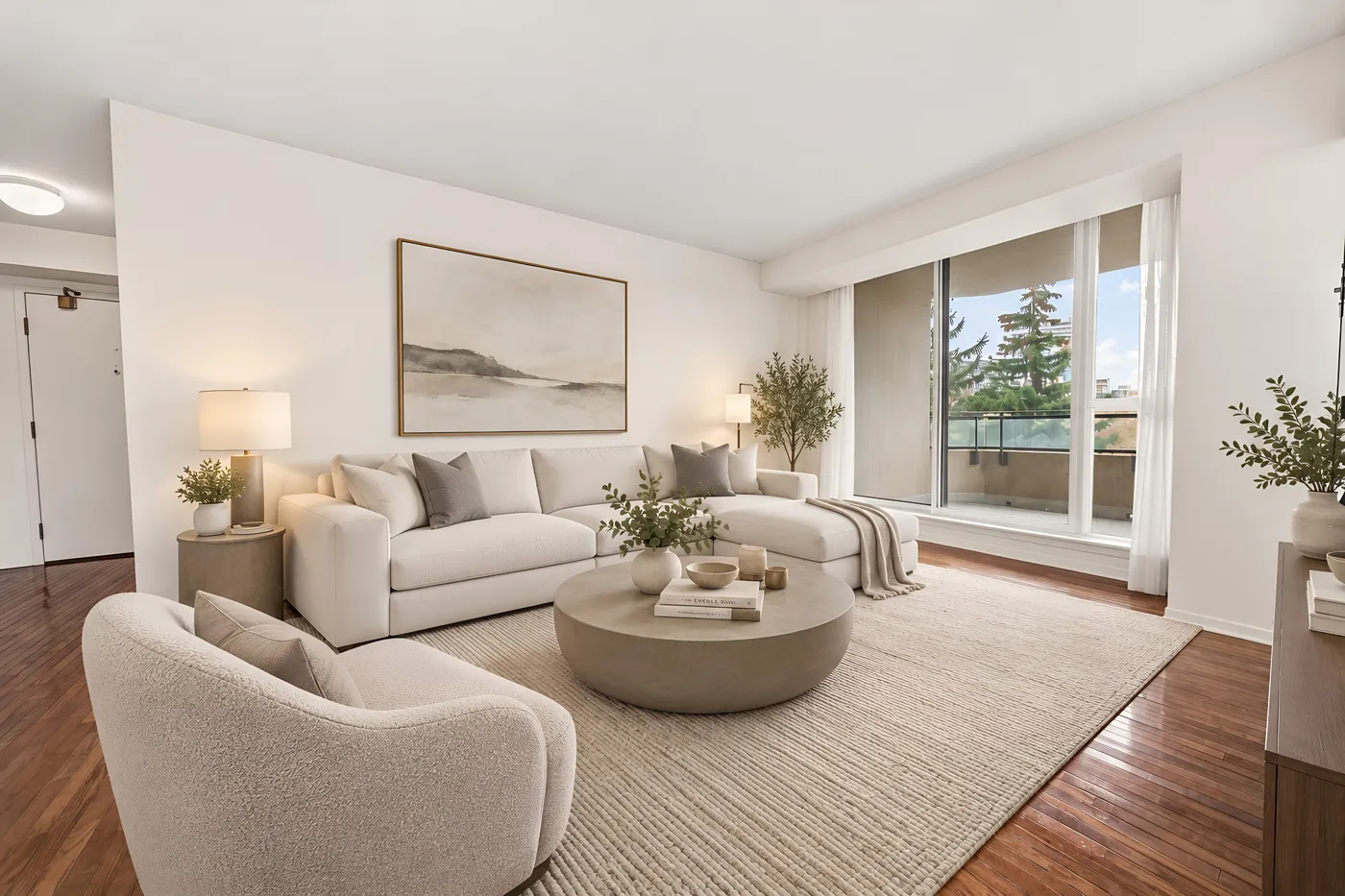
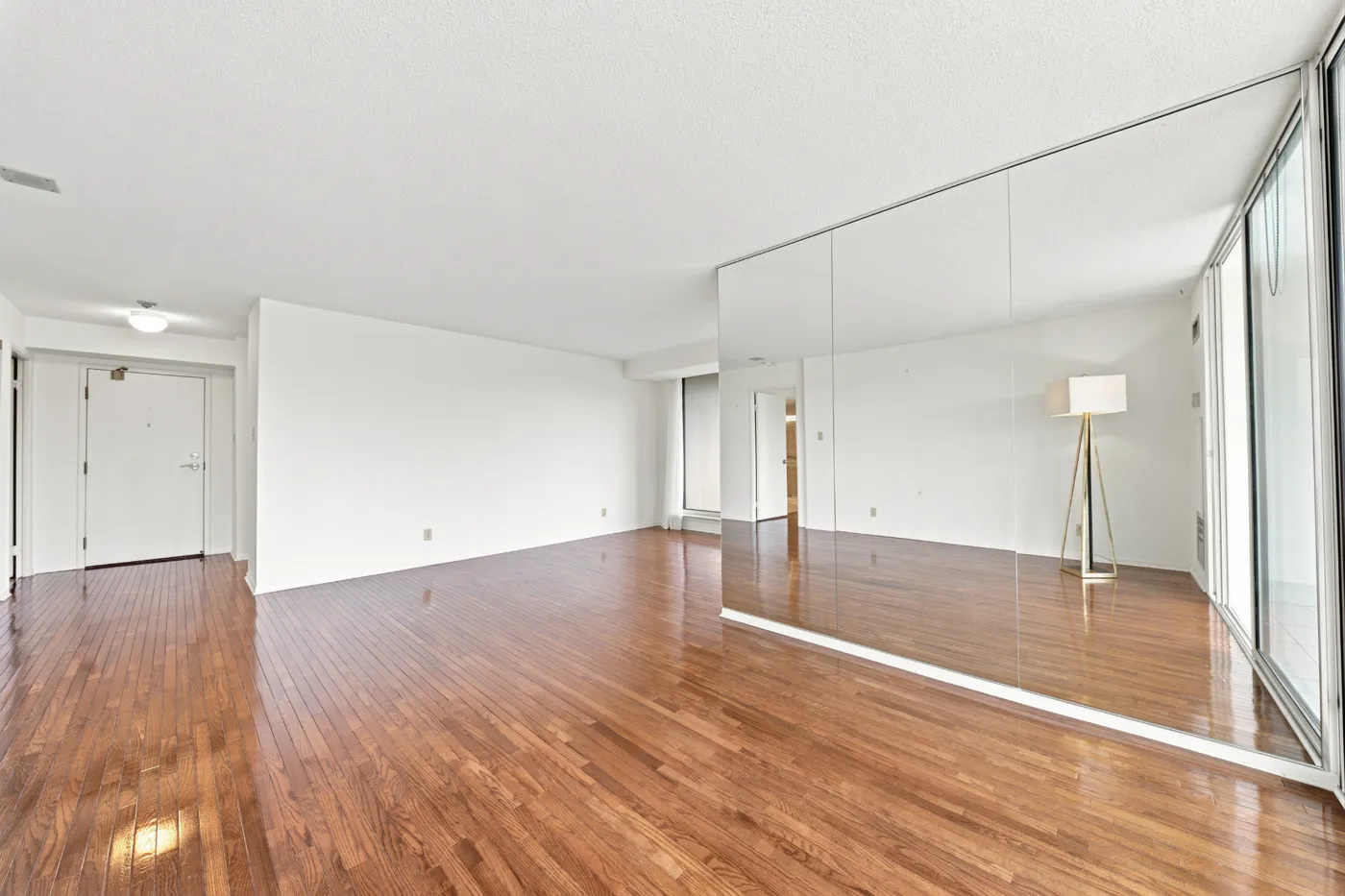
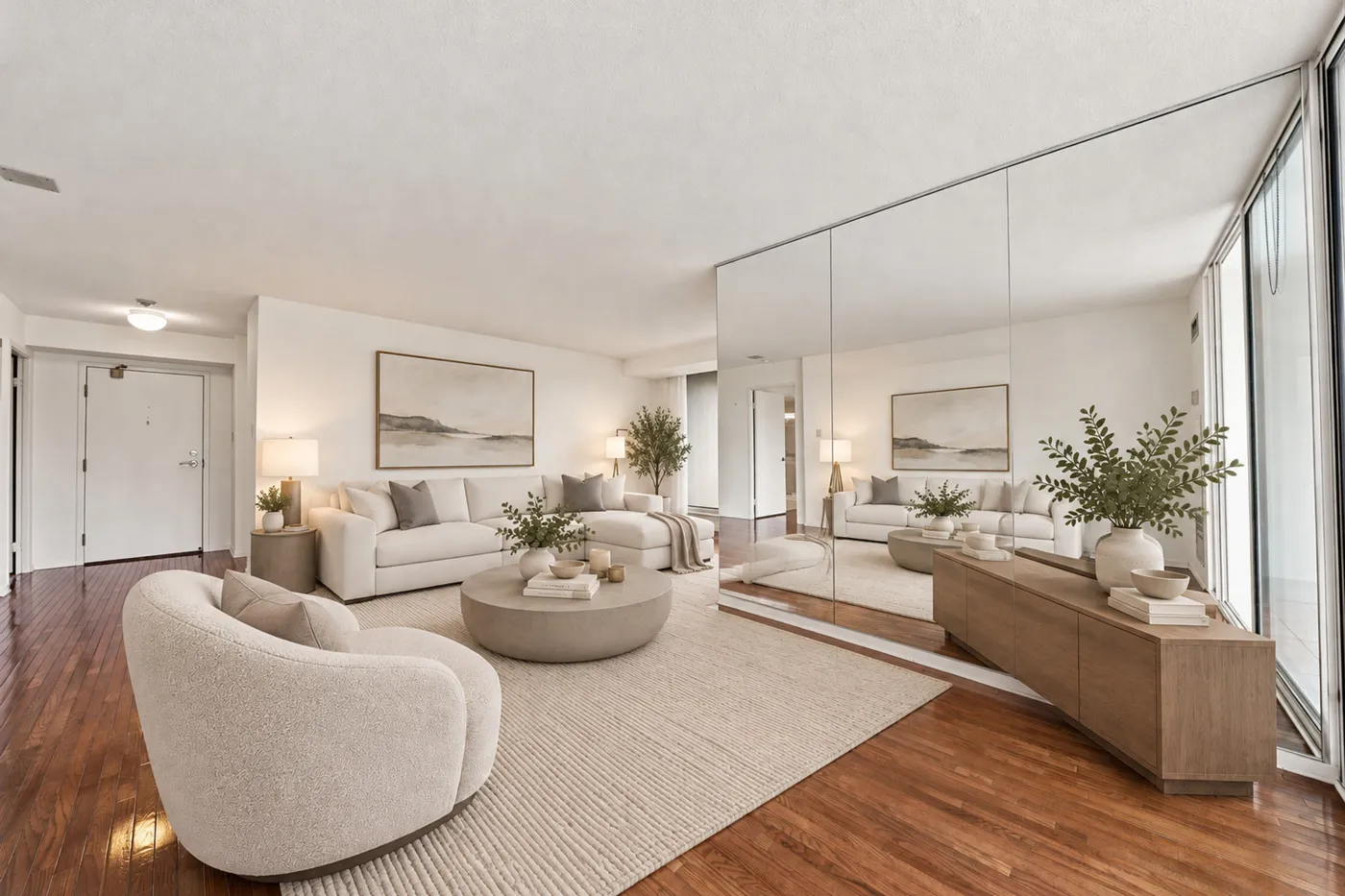
For portals and CRMs: one API call per room
Send 2 to 10 photos of one room and a style, and the API stages the first one and furnishes every other angle from it, in parallel. These two photos came back from a single call. Same price as the app.
- 2 to 10 photos per room
- Bring your own furnished reference if you have one
- You're only charged for photos that come back
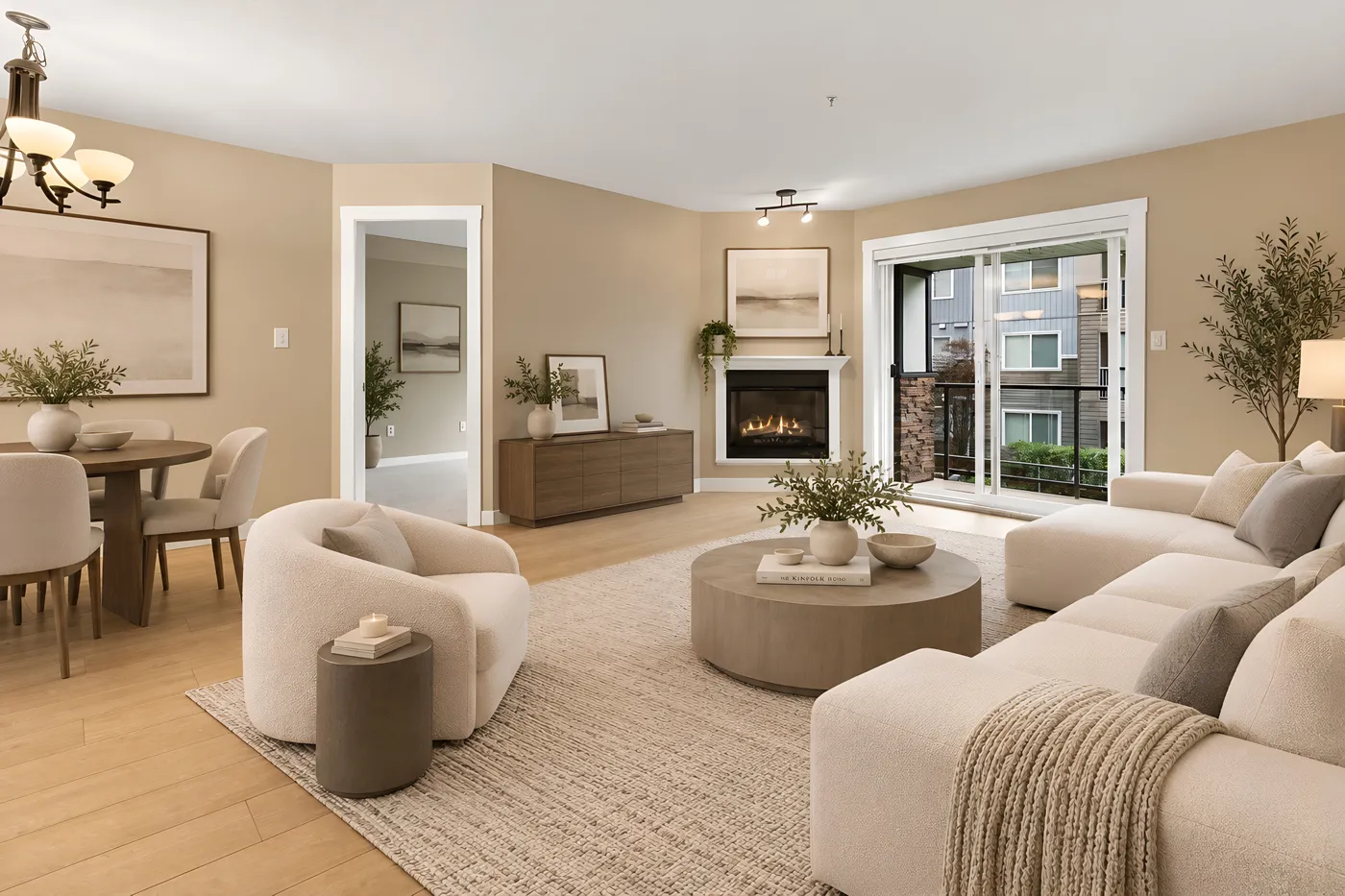
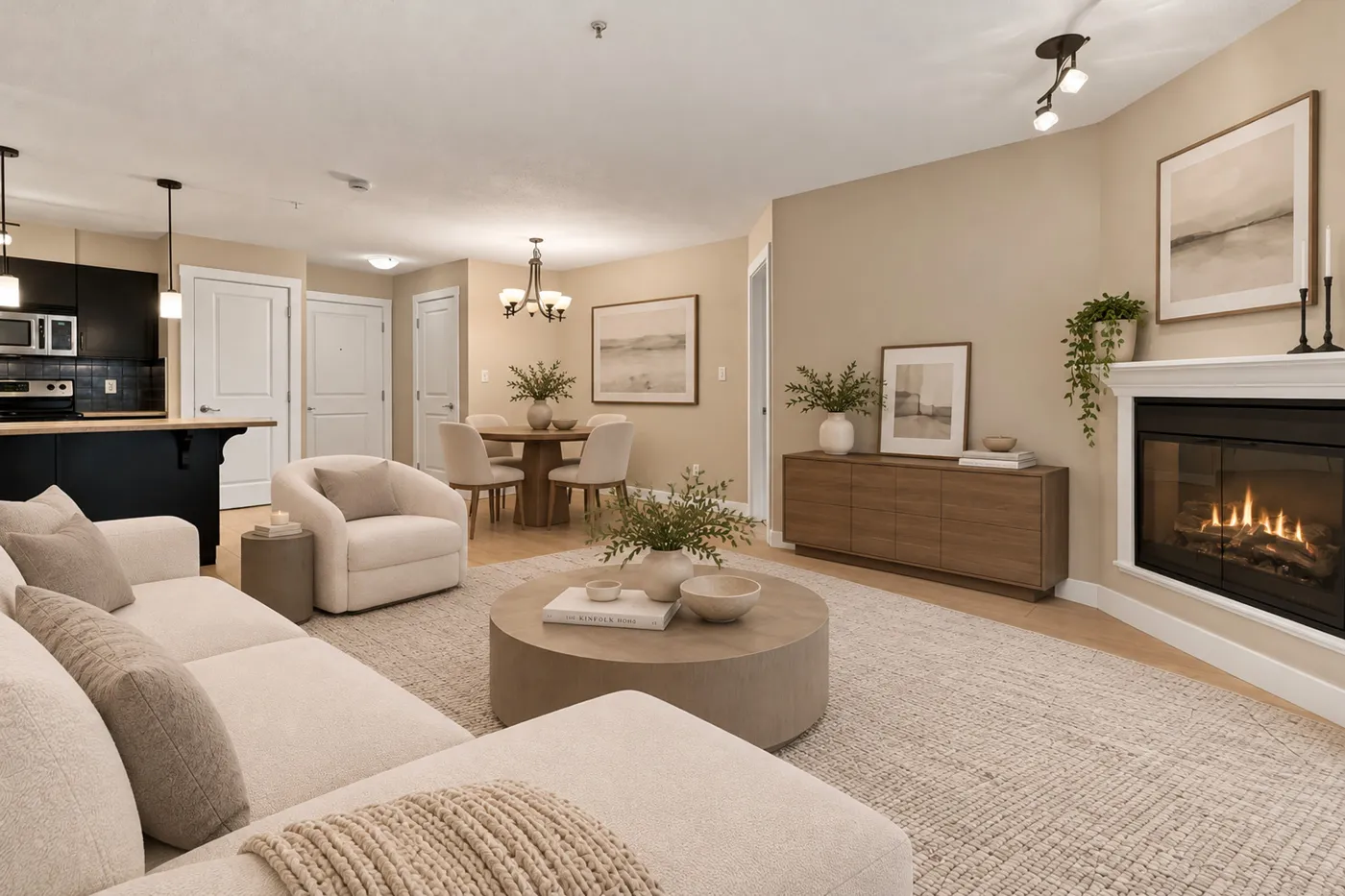
How it works
Three steps, every angle
Upload every angle of the room
2 or more photos of the same room, empty or with old furniture. Wide shots from different corners work best.
Stage the first angle
Choose the room type and a style, and generate. If you don't like it, try another style before moving on.
Furnish the other angles like it
Open Furnish on the next photo, choose "Another angle of this room" and pick the staged photo. Pedra puts the same pieces in the same places.
How to shoot a room for multi-angle staging
Shoot from opposite corners
Two or three photos from different corners cover the room. The more each photo overlaps with the others, the better the furniture lines up.Keep something in common
A window, a door or a radiator visible in two shots tells the AI where things are. Photos that share nothing are harder to match.One room per set
Stage a living room set and a bedroom set separately. Mixing rooms gives you a sofa in the bedroom.Stage the widest shot first
The first angle decides the furniture. A wide photo shows the most of the room, so the pieces fit every other view.Label the photos
Mark staged photos as virtually staged in the listing. Most portals ask for it and buyers trust it more.
Stage your next listing from every angle
Start free. Pro is 29€ a month with 100 credits, enough to stage about 20 rooms from three angles each.