
TL;DR
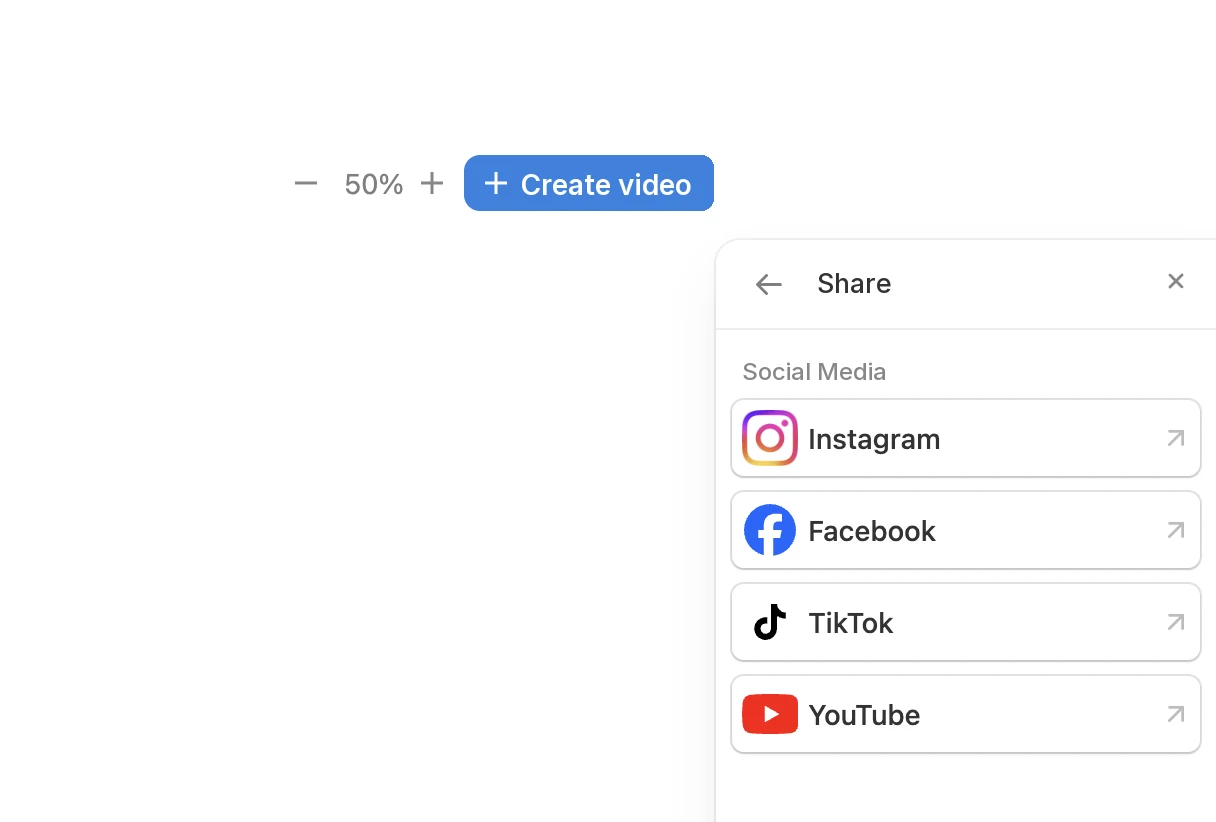
You can now publish from Pedra straight to Instagram, Facebook, TikTok and YouTube. Stage a room, make a property video, then click Share and it goes out to your account, now or at the time you schedule. No downloading, no sending files to your phone, no logging in to four different apps.
Why This Matters for Agents
It saves the part of social media nobody enjoys. Posting a listing used to mean exporting the photos, moving them to your phone, opening each app, uploading again, cropping again and writing the caption again. Four networks, four times. Now the content you make in Pedra goes out from the same place you made it.
It gets your listings in front of more buyers. Buyers and sellers do not all live on one network. Some scroll Instagram Reels, some watch property tours on YouTube, some find agents on TikTok, and a lot of local buyers still follow agency Pages on Facebook. Being on all four used to cost too much time, so most agents picked one. Now each extra network is a couple of clicks.
It keeps you posting when you are busy. Scheduling lets you prepare a week of posts in one sitting, so your accounts stay active on the days you are out at viewings.
What You Can Post on Each Network
| Network | What you can publish from Pedra |
|---|---|
| Single photos (4:5, 1:1 or 1.91:1), carousels of 2 to 10 photos, and videos as Reels. Publish now or schedule | |
| Photos, up to 10 photos in one post, and videos as a feed video or a Reel. Publish now or schedule | |
| TikTok | Videos, and photo posts of up to 35 photos, with your privacy and comment settings. Publish now or schedule |
| YouTube | Property videos with title, description and Public, Unlisted or Private visibility |
It works with everything you create in Pedra: virtually staged photos, renovation renders, enhanced listing photos and property videos, in vertical format for Reels and TikTok or horizontal for YouTube.
Connect Your Accounts Once
Go to Settings > Socials and connect the accounts you want Pedra to publish to. You only do this once, and you can disconnect any of them whenever you want.
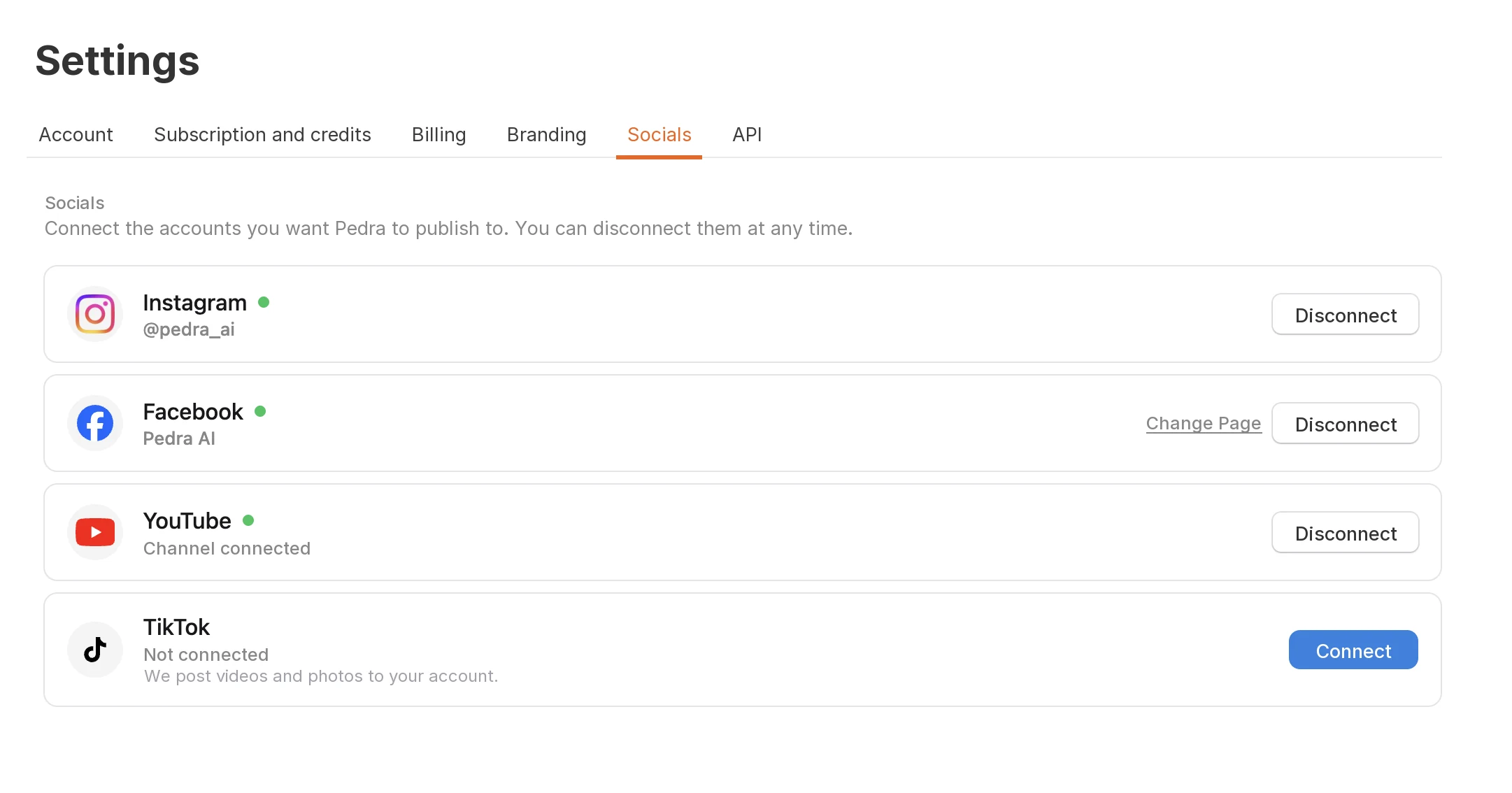
- Instagram: a Business or Creator account.
- Facebook: a Page. Pedra publishes to Pages, not personal profiles, and you can switch Pages later.
- TikTok: your TikTok account. Pedra publishes videos and photos to it.
- YouTube: a Google account with a YouTube channel.
Straight to Your YouTube Channel
YouTube is where buyers go to watch a full property tour, and your videos keep getting found in search long after you post them. Pick a video, add the title and description, choose who can see it, and Pedra uploads it to your channel.
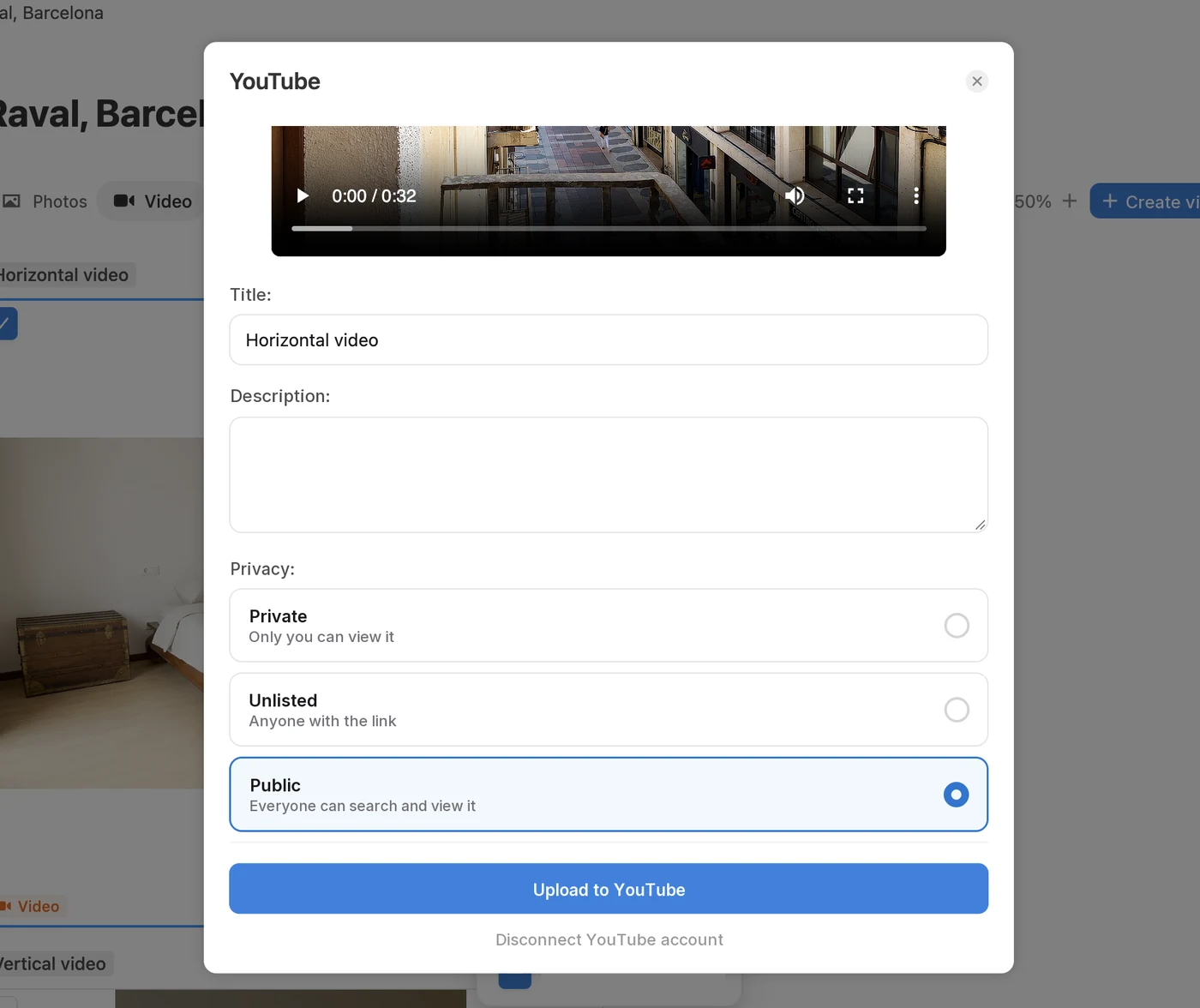
Use Unlisted for a video you only want to send to a seller or a buyer with the link, and Public for listings you want people to find.
How to Post From Pedra
- Go to Settings > Socials and connect your accounts.
- Open a property in Pedra and select the photo, photos or video you want to post.
- Click Share in the sidebar and pick Instagram, Facebook, TikTok or YouTube.
- Write the caption, or the title and description for YouTube, and choose the format.
- Publish now, or click Schedule and pick the date and time for Instagram, Facebook and TikTok.
Make a property video and post it →
Pedra has published to Instagram since the Instagram scheduling release. Facebook, TikTok and YouTube now sit next to it in the same Share menu.
FAQ
Can I post to Instagram, TikTok, Facebook and YouTube from Pedra? Yes. Connect your accounts once in Settings > Socials, then select a photo or a video in Pedra, click Share and pick the network. Pedra publishes it to that account without you downloading anything.
Can I schedule social media posts in Pedra? Yes. On Instagram, Facebook and TikTok you can publish right away or pick a date and time, and Pedra publishes the post for you at that moment.
What kind of Instagram account do I need? An Instagram Business or Creator account. Switching a personal account to a professional one is free and takes a minute in the Instagram app.
Can Pedra post to my personal Facebook profile? No. Pedra publishes to Facebook Pages, which is where agencies and agents run their business presence. You choose which Page when you connect, and can change it at any time.
Can I post an Instagram carousel? Yes. Select between 2 and 10 photos and Pedra publishes them as one carousel with a single caption.
Can I post photos to TikTok, or only videos? Both. Videos publish as regular TikTok videos, and you can post up to 35 photos in a single TikTok photo post.
Do my videos post as Reels? On Instagram, videos publish as Reels. On Facebook you choose between a regular feed video and a Reel.
Can I upload my property video to YouTube? Yes. Pick YouTube in the Share menu, add a title and description, choose Public, Unlisted or Private, and Pedra uploads the video to your channel.
How do I disconnect an account? Go to Settings > Socials and click Disconnect next to the account. You can reconnect it whenever you want.
