How to Stage One Room from Multiple Angles
Step by step: stage several photos of the same room with the same furniture in Pedra. Upload the angles, stage one, furnish the rest like it.
How to stage one room from multiple angles
When you stage each photo of a room on its own, every photo gets different furniture. Multi-angle virtual staging fixes that: you stage one photo, and every other photo of the same room gets the same pieces in the same places.
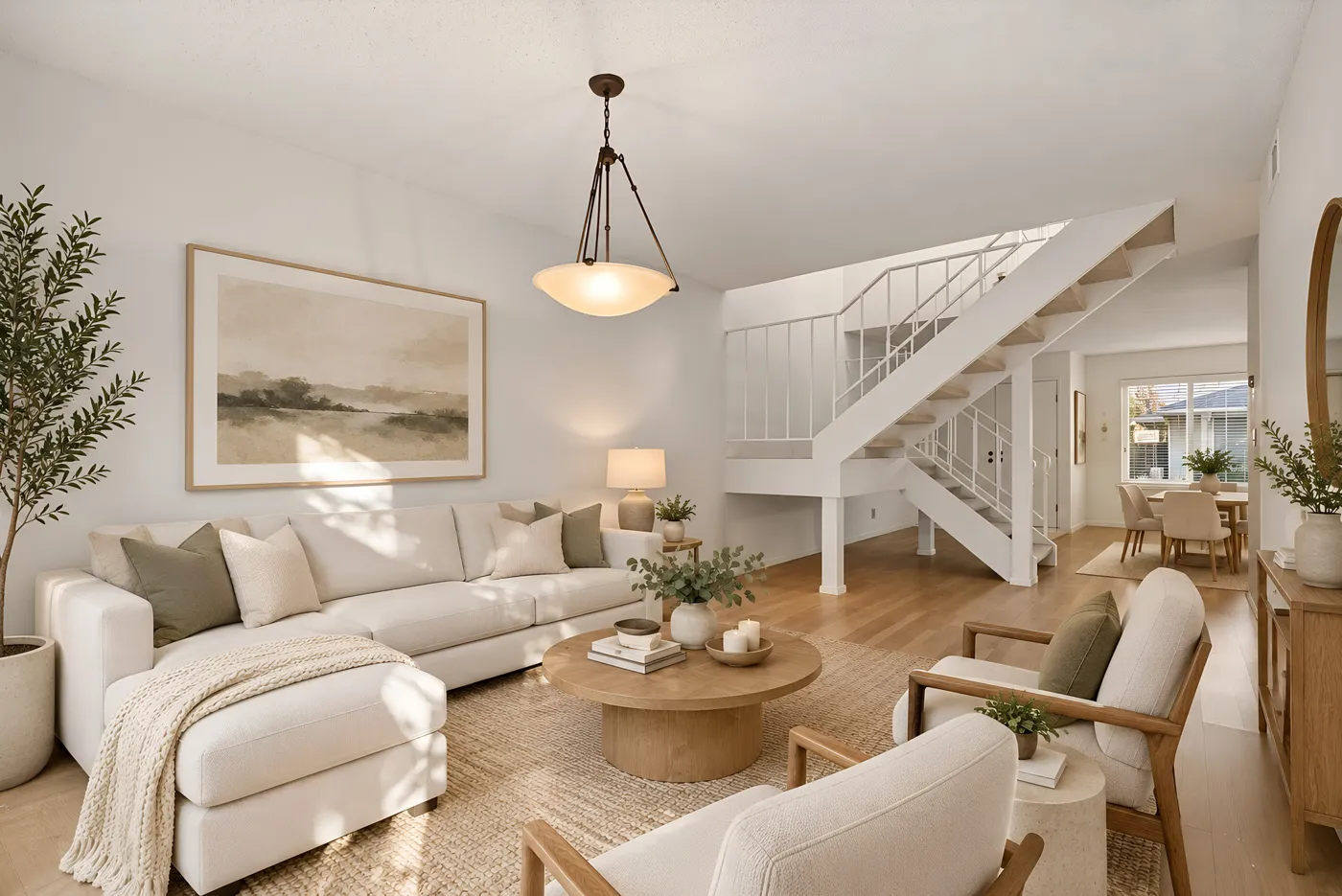
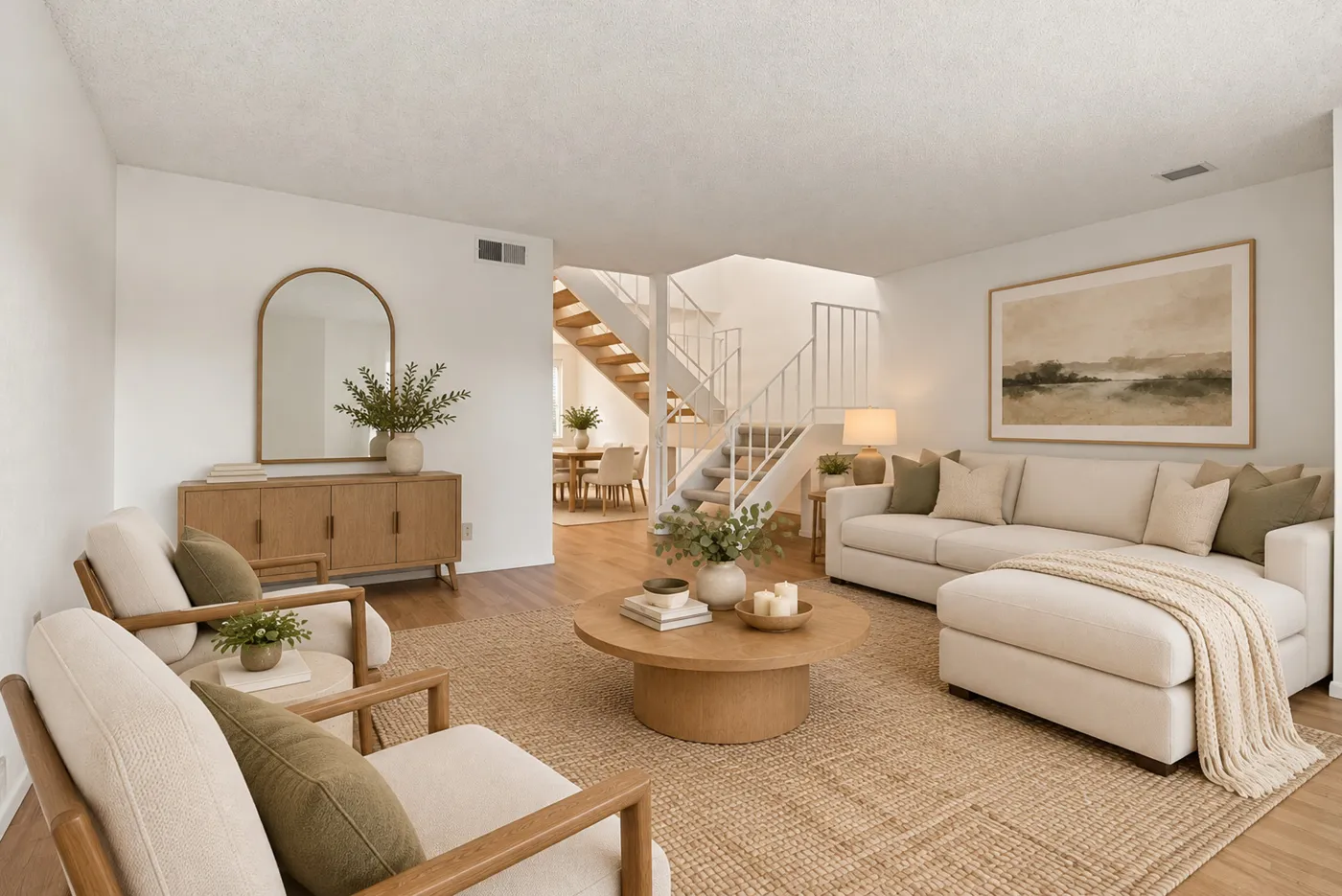
Step 1: Upload every angle of the room
Create a property and upload all the photos of the room, empty or with old furniture. Two or three photos from different corners work best. If the room is furnished, empty it first, the same way in every photo.
Step 2: Stage the first angle
Pick the widest photo, since it shows the most of the room. Open Furnish, choose the room type and a style, and generate. Try another style here if you don't like it: every other angle will copy this one.
Step 3: Furnish the other angles like it
Select the next photo of the same room. Pedra checks which of your staged photos show the same room and offers "Another angle of this room?". Click it, or open Furnish and pick the staged photo as the reference yourself.
When Pedra asks "Is this the same room, just from a different angle?", answer yes. That tells it to put the furniture in the same places, not just use the same style.
Generate, and repeat for every other angle.
Tips for a good match
- Keep something in common. A window, a door or a radiator visible in two photos helps the AI place the furniture.
- One room per set. Stage the living room and the bedroom as separate sets.
- Re-run one angle only. If one photo comes out wrong, generate that angle again. The others stay as they are.
- Label the photos. Mark staged photos as virtually staged in the listing.
What it costs
1 credit for the first angle and 2 credits for each extra angle. A room shot from three angles costs 5 credits.
Frequently asked questions
Will the furniture be exactly the same?
The same pieces, style and colours, placed in the same spots. From a different camera position some pieces are hidden or seen from the side, as they would be in real life.
Can I do this through the API?
Yes. The API stages 2 to 10 photos of one room in one call: it furnishes the first and copies it to the rest. See the API documentation.
What's the difference with changing the camera angle?
Change camera angle creates a new view of a room you already staged. Multi-angle staging stages the photos you actually shot, so every angle is a real photo of the property.